1
Good for scattered records
Koinly makes the most sense when your Bitcoin history is split across exchanges, wallets, blockchain addresses, and older account exports.

Enter your email to receive the free PDF checklist.
Read our Privacy Policy. For subscriber questions or corrections, use the Contact & Corrections page.
Bitcoin tax software review
Koinly is useful when your Bitcoin records are scattered, but it only works as well as the sources you connect and the warnings you review. This page shows where it helps, where it still needs your attention, and when to slow down before buying a report.
Official Koinly site affiliate link. We may earn a commission at no extra cost to you.
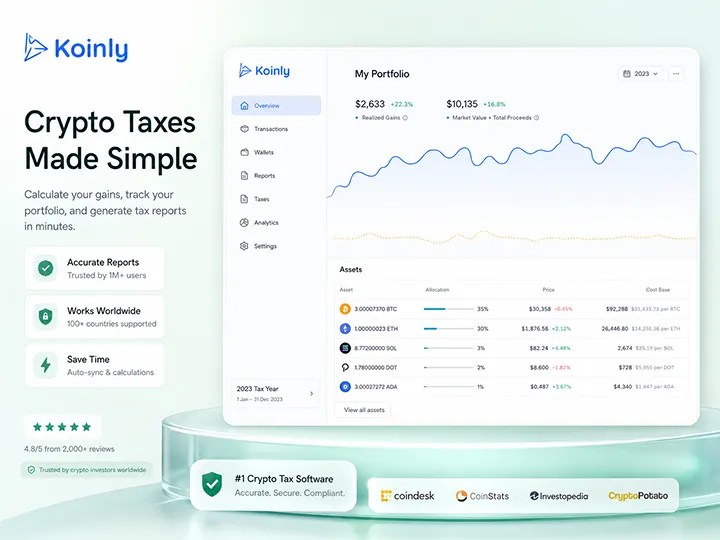

Review scope
This page evaluates Koinly as a Bitcoin tax-record organization and report-preparation tool. It does not claim final tax filing validation or provide tax, legal, or financial advice.
Published July 2026. Affiliate disclosure stays visible before click. No star rating is used.
How we evaluated
This section is the evidence layer for the review. It states what was actually checked, where the limits are, and which claims should be rechecked before buying.
What we did: we created a free account and ran the workflow the way a new user does. We connected an exchange over API, a Coinbase account using a read-permission API key with two-factor verification, imported a public wallet address, walked the CSV upload path, watched how the dashboard and portfolio view organized roughly a thousand imported transactions, worked through the transaction-review layer and its warnings, and followed the report flow up to the point of purchase.
What we did not do: complete a tax filing through Koinly, test every exchange, wallet, or blockchain on its supported list, run an independent technical security audit, or verify checkout pricing beyond the plan structure described below.
Two honest numbers from that first pass, so you can calibrate expectations: the Coinbase API sync took about half an hour to finish, and the whole first pass, from creating the account to having an initial overview of the imported history, took about an hour and a half, of which maybe thirty minutes was active work. The public wallet-address import was faster: partial data appeared within a couple of minutes and the full import finished within roughly five to eight.
Product details on this page were last checked in July 2026. Pricing, supported integrations, and checkout terms change, so verify them directly before you buy. If a claim here stops matching the product, tell us through the Contact & Corrections page and we will fix it.
Bottom line
The honest read: Koinly can save serious time if your records are complete enough to import, but the report layer should come after review, not before it.
Koinly is most useful as a central place to import exchange, wallet, and blockchain records before tax-report output is trusted.
The practical value is workflow compression. In our walkthrough, it replaced manual entry for roughly a thousand transactions with connection setup, sync waiting, and review, but the review step stayed ours.
This review does not claim final filing accuracy. Koinly should be treated as software for organizing, calculating from, and reviewing supplied data, not as a replacement for qualified tax judgment.
Koinly makes the most sense when your Bitcoin history is split across exchanges, wallets, blockchain addresses, and older account exports.
The tool can import and classify, but you still need to check missing history, duplicate entries, wallet transfers, labels, and warnings.
The right posture is test, import, inspect, fix gaps, then decide whether the report layer is worth paying for.
Product snapshot
Koinly does not create the facts. It gives you a structured place to bring records together, inspect the result, and decide whether the paid report layer is worth using.
Practical role
The strongest use case is not pressing a button at the end. It is using Koinly to collect scattered records, find gaps, and review whether your data is coherent enough to rely on.
Core use
Tax data hub Koinly brings transaction sources into one working view so records are easier to inspect before reporting.Import modes
API, wallet, CSV The practical choice is between convenience through sync and control through manual file import.Free layer
Preview before paying You can test imports and review the data before buying a tax-report plan.Main limit
Needs your context Koinly cannot know sources you forgot, wallet ownership, intent, or treatment questions that require qualified review.Affiliate route
Use the free import and preview layer first. Do not buy a report until you have checked whether your actual exchanges, wallets, CSV files, and transaction history import cleanly enough to be useful.
Disclosure before click
Official Koinly site affiliate link. We may earn a commission at no extra cost to you.
Workflow
The tool is most useful when used in the right order. Start with completeness, then classification, then report confidence.
The setup starts with an account and country selection. That choice matters because tax-report settings and report types differ by location.
Koinly can only work from the exchanges, wallets, blockchain addresses, and services you connect or upload. It cannot guess an old wallet or forgotten exchange. A small detail that helped in our walkthrough: connected integrations get a green completion mark, so you can see what is done and what is still missing. The hard part is not the connecting. It is remembering every source you used across the years.
API sync is convenient when you are comfortable with read-only access. CSV import gives more control, but needs cleaner file handling.
This is where the work still lives. In our walkthrough, several movements between our own wallets came in labeled as deposits and withdrawals. Deposits, withdrawals, trades, transfers, fees, missing cost basis, duplicates, and wallet labels all need this kind of check.
A report should be downstream of source completeness. If the records are incomplete, the output can look polished while still resting on weak inputs.
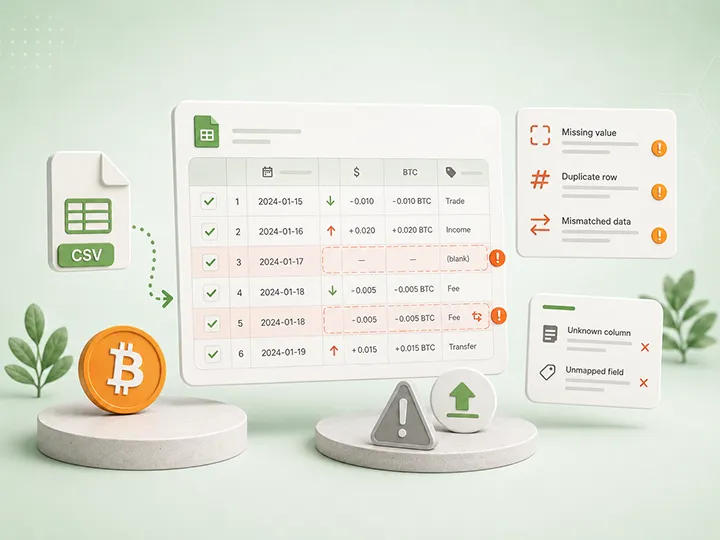
Import choice
API sync reduces manual work when you are comfortable granting read-only data access and the exchange connection works cleanly. In our walkthrough, the Coinbase connection was direct: create the API key, grant view permission, pass two-factor verification, and paste the key details. Sync was not instant: the exchange sync alone took about half an hour, and the full first pass over roughly a thousand transactions took about an hour and a half end to end. That is the honest value proposition: you are not typing a thousand rows by hand, but you are starting connections, waiting on syncs, and checking results.
A public wallet-address import was the smoothest path we tested: partial data appeared within a couple of minutes, complete within roughly five to eight, though timing will vary with network and history size.
CSV import gives you more control and can be better when direct sync is unavailable or unwanted. The tradeoff is that CSV files are easier to mishandle: a wrongly mapped column or an incomplete file means correcting transactions one by one, deleting rows, or removing the whole import and starting over. Dates, precision, duplicate rows, missing columns, or edited exports can create silent problems.
The point is not that one import method is always better. The point is that Koinly output should be reviewed against the original source records before you treat it as ready.
Fit check
The better question is not whether Koinly is generally good. It is whether your specific Bitcoin record set benefits from a structured import and review workflow.
Koinly may fit if
Pause or skip if
For the Bitcoin-only holder
In our walkthrough, the friction concentrated where a Bitcoin-only holder usually does not go: exotic tokens, DeFi positions, and protocol activity that needed manual untangling. A history made of exchange buys, withdrawals to self-custody, and wallet-to-wallet moves avoids that class of problem, but transfer labeling still needs careful review.
Transfer labeling
Bitcoin-only fit
Strengths
The strongest parts are operational: bringing scattered records together, making warnings visible, and letting you test the import before paying for the final report layer.
Koinly is strongest when it turns scattered exchange and wallet history into one place you can inspect.
API sync, wallet-address import, and CSV upload give different routes for different trust and data-control preferences.
You can test whether your records import cleanly before deciding whether a paid tax-report plan is worth it. The whole first pass in our walkthrough happened without paying anything.
Koinly does not hide problems. Missing history, odd classifications, duplicated records, or unmatched movements become review signals instead of hidden spreadsheet problems.
Review before confidence
A report can look clean even when the underlying record story is incomplete. These checks keep the tool in the right role.
Limits
This is the same software boundary that governs the whole tax lane: software calculates from supplied records; it does not decide facts you did not provide.
What Koinly can do well
What Koinly cannot do for you
How Koinly compares
This is a fit-based comparison, not a ranking. The deciding factor is your record set, not a feature list.
We reviewed all three tools, and none of them removes the review step. The differences are emphasis. Koinly centers on data centralization: pulling scattered exchange, wallet, and blockchain history into one inspectable view, with a free preview generous enough to run the entire first pass before paying.
CoinLedger is the closest overlap: a similar free-start, paid-report posture, leaning into a straightforward import-and-report-prep workflow. CoinTracking trades simplicity for depth: heavier portfolio tracking and trade analytics, more configuration, and a steeper learning curve, built for users who want a full record system rather than a report generator.
This page does not rank them. Test the closest fit against your real data before paying for any of them. See the CoinLedger review, the CoinTracking review, and the tax software evaluation criteria.

Pricing posture
The pricing structure is stable even where exact prices move. The free layer covers the part you should do first anyway: connecting sources, importing transactions, portfolio tracking, and reviewing the data.
Official tax reports are what the paid plans unlock, and plans are tiered by transaction count for a given tax year. In the material behind this review, the bands ran on the order of one hundred, one thousand, and ten thousand transactions per year.
That tiering has a practical consequence: a long-term holder with a modest number of buys and transfers tends to land in the cheapest territory, while an active trader with many swaps can climb tiers quickly. Prices differed between the sources we reviewed and change over time, so treat any remembered number as stale. Run the free import first, see how many transactions Koinly recognizes for your tax year, and only then check which plan that actually requires.
Final read
Koinly is best for the holder who has enough transaction history that manual organization is becoming the bottleneck, but enough discipline to review the imported data before relying on the output.
For a Bitcoin holder with one clean exchange history and a small number of transactions, Koinly may be more than the job requires. The value rises when there are multiple exchanges, wallets, old CSV files, withdrawals to self-custody, and transactions spread across years.
The honest tradeoffs are two. Automation versus control: auto-sync saves real time but means connecting accounts and trusting the software; manual upload keeps control but costs convenience. Speed versus accuracy: Koinly builds an overview fast, but you decide whether that overview actually reflects your history. Structure is not the same as certainty.
The best use is calm and practical: import everything you can, preserve source records, review warnings, fix gaps, and use qualified review when facts or treatment questions exceed software workflow.
FAQ
The useful answer is usually conditional: Koinly can help when the record problem is real, but it does not remove your responsibility to review the data.
Read tax disclaimerOften, yes. A Bitcoin-only history avoids the exotic-token and DeFi territory where Koinly needs the most manual work. The decisive check is transfer labeling: in our walkthrough, movements between our own wallets imported as deposits and withdrawals and needed correction. Run your real data through the free layer and review the transfer classifications before paying.
Final affiliate route
Start free, import your real sources, review the data, then decide whether the paid report layer is worth it.
Disclosure before click
Official Koinly site affiliate link. We may earn a commission at no extra cost to you.
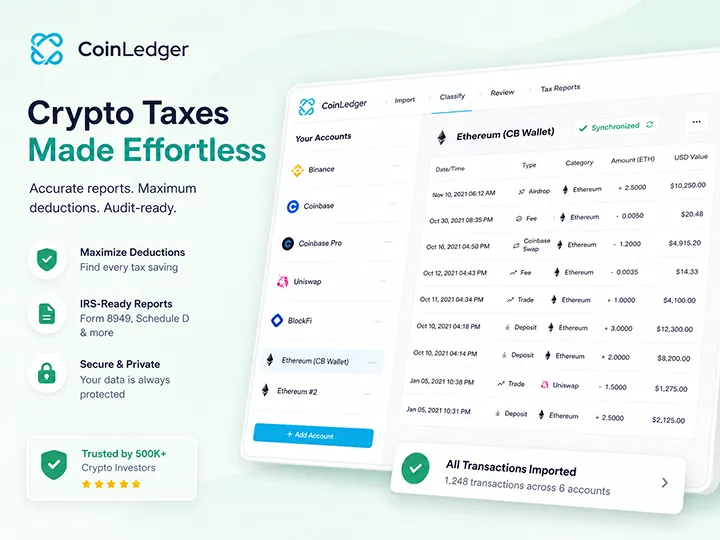
A direct import-and-report-prep workflow with a useful free preview and a visible warning queue.
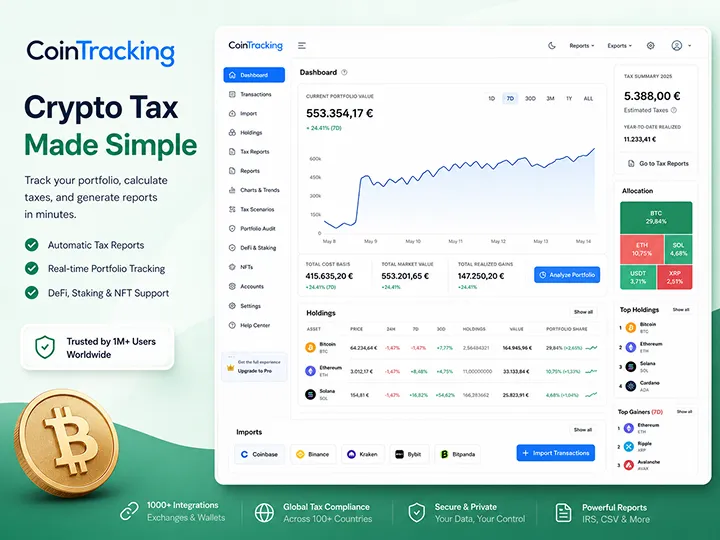
A deeper portfolio and tax-record system with more import routes, more control, and a steeper learning curve.

Start with the broader Bitcoin tax software framework before choosing a product workflow.
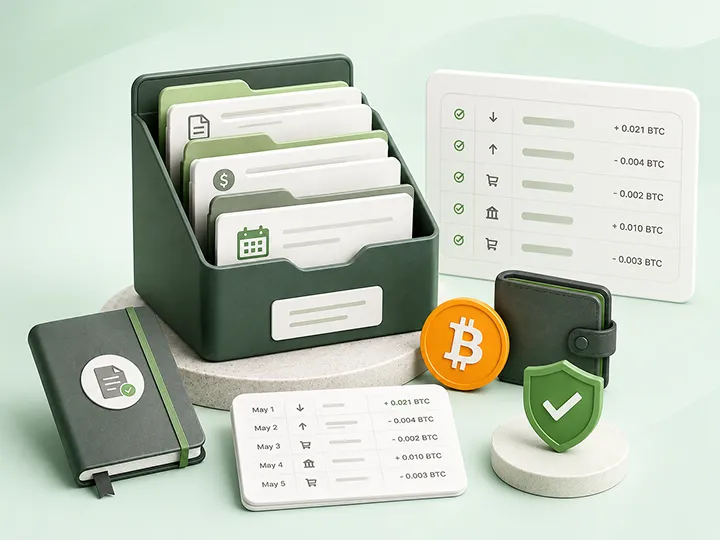
Understand why record completeness matters before any tax software output can be useful.
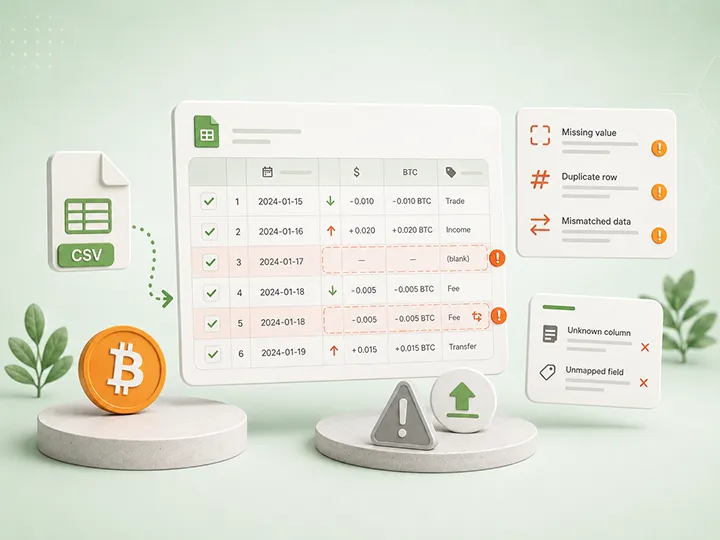
Know the difference between a loud import failure and a silent record problem before trusting imported data.
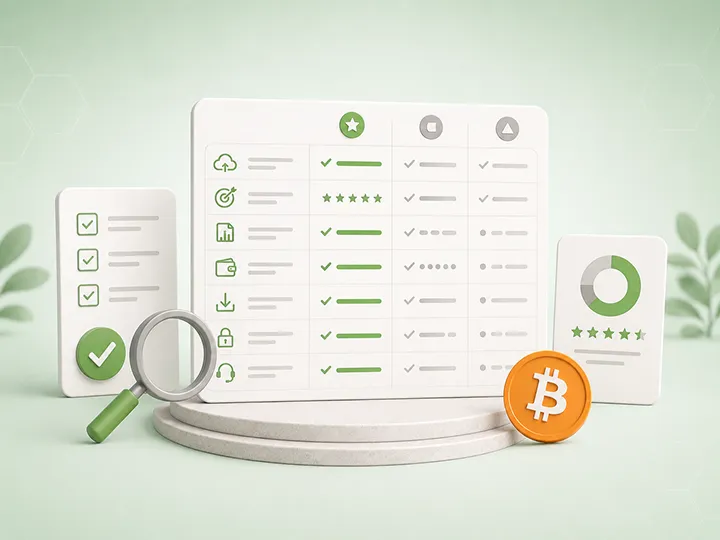
Use a calm reviewability framework before comparing tax tools or trusting a generated report.