Hardware wallet recovery risks

Recovery risk is the part of hardware-wallet ownership that only becomes visible when something has already gone wrong.
The device is lost. The PIN is forgotten. The wallet wiped itself after repeated wrong attempts. The manufacturer app changed. A laptop died. A family member needs instructions. A backup exists somewhere, but nobody can read it or understand what it restores.
That is why recovery risk deserves its own page. A hardware wallet can make normal Bitcoin signing safer, but recovery is what decides whether the setup survives stress, time, device failure, and human memory.
Bitcoin Plaster verdict
The winner is not the most complicated recovery design. The winner is the recovery plan that the right person can actually execute later without exposing the seed phrase, guessing the passphrase, trusting a fake app, or discovering years of missed maintenance under pressure.
For most Bitcoin holders, the first recovery winner is a simple, verified, offline seed backup with a clear device-loss plan. A passphrase, multisig, split backup, second device, metal backup, or inheritance structure can be useful later, but only when the user understands how recovery changes.
Recovery risk is not solved by buying a better device. It is solved by making the backup layer correct, private, findable, readable, and operationally realistic.
| Recovery failure | What usually causes it | Better default |
|---|---|---|
| Lost device | User thought the device was the only important object | Know how the seed phrase restores access on a replacement device |
| Wiped device | Wrong PIN attempts, reset, damage, or old troubleshooting | Treat wipe as recoverable only if the backup and passphrase are ready |
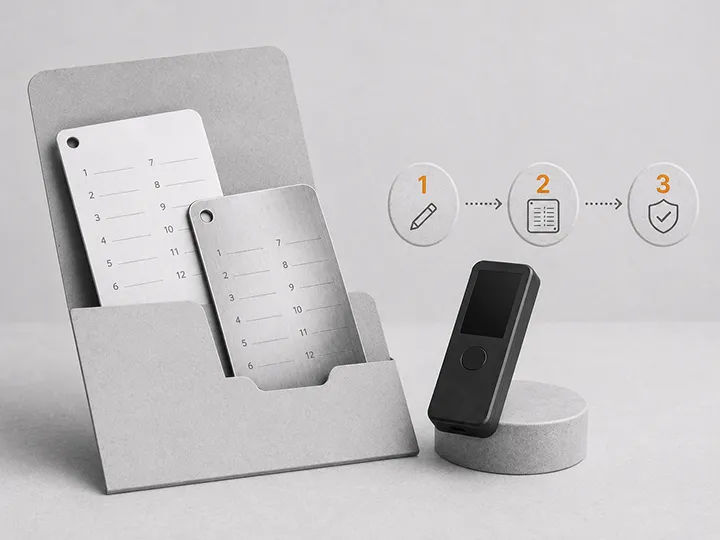
| Bad backup | Wrong word, missing word, bad handwriting, wrong order, weak material | Verify the backup during setup and keep it readable |
| Forgotten passphrase | User treated the passphrase like a casual password | Use passphrases only when the recovery burden is understood |
| Old firmware or app friction | Device was ignored for years and then needed urgently | Do calm maintenance before recovery becomes urgent |
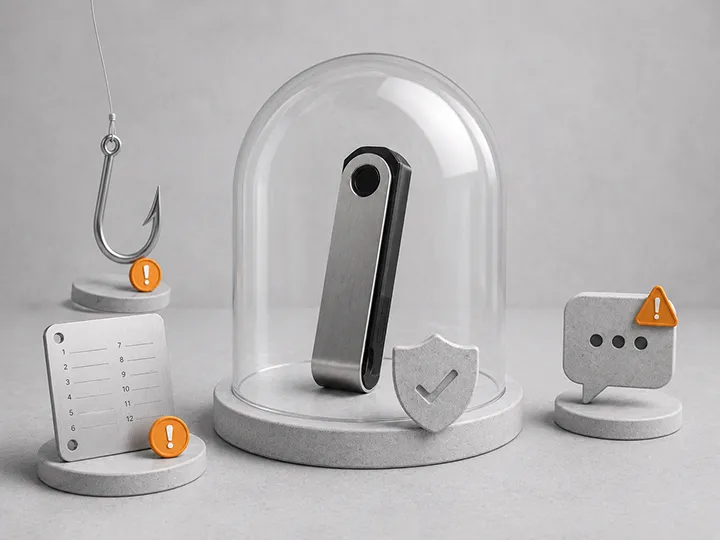
| Fake recovery interface | User searched under stress and typed seed words into the wrong place | Use only verified official recovery paths and trusted wallet software |
Recovery risk begins before recovery day
Most recovery failures are created long before the user needs to recover.
The seed phrase was copied quickly. The words were not numbered. The handwriting was unclear. The backup was kept in the same bag as the device. The passphrase existed only in memory. The device was left unmaintained for years. The user never learned which app, wallet type, or address format they were using.
Then a real problem happens. At that moment, the user is not calmly designing a custody system. They are trying to regain access while stressed. That is when fake support pages, old instructions, urgent prompts, bad search results, and emotional decisions become dangerous.
A good recovery plan is built when nothing is urgent.
Device loss is not the same as Bitcoin loss
A hardware wallet is a signing device. It does not physically contain the Bitcoin. Bitcoin remains on the Bitcoin network, and the device controls keys that can spend it.
If the device is lost, broken, stolen, or replaced, the important question is whether the recovery material can recreate access. That usually means the seed phrase, and sometimes a passphrase or additional wallet information.
The device problem is often recoverable. The recovery problem may not be.
| Scenario | Recoverable if | High-risk if |
|---|---|---|
| Device lost | Seed backup is correct and private | Seed location is unknown or stored with the device |
| Device damaged | Backup can be used with a compatible wallet | User does not know whether a passphrase was used |
| Device stolen | PIN delays device access and funds can be moved with backup | Seed phrase was also stolen or stored nearby |
| Device wiped | Recovery phrase and passphrase are available | Backup was never verified or passphrase is forgotten |
| Manufacturer disappears | Standard recovery material and compatible software remain usable | User depended only on a proprietary app and never learned the recovery path |
The seed phrase can fail in ordinary ways
Seed phrase failure is usually not dramatic. It is often ordinary.
- One word was copied wrong.
- The word order was not numbered.
- A word is readable today but ambiguous later.
- The backup was damaged by water, fire, fading, or careless storage.
- The backup was hidden so well that it cannot be found.
- The phrase was photographed, scanned, uploaded, or typed into a connected device.
- Someone found it and understood what it was.
A seed phrase has to survive two opposite requirements. It must stay away from the wrong person, and it must remain usable by the right person at the right time.
That is the hard part. Hiding it is not enough. Making it durable is not enough. Keeping it private is not enough. Recovery only works when all of those conditions hold together.
PIN failure is usually a recovery test
A hardware wallet PIN protects access to the physical device. It is not the same thing as the seed phrase.
If the PIN is forgotten, the manufacturer should not be able to reset it like an online account. On many devices, repeated wrong PIN attempts can delay access or wipe the device. That can be a useful theft defense, but it turns the situation into a recovery test.
This is where beginners often misunderstand the system. A forgotten PIN is not automatically fatal if the seed phrase and any passphrase are correct. But a forgotten PIN plus a weak backup can become a serious loss scenario.
| Layer | What it protects | What happens if it fails |
|---|---|---|
| PIN | Casual access to the device | You may need to recover or reset the device |
| Seed phrase | Recovery access to the wallet | Funds may be unrecoverable if device access is gone |
| Passphrase | A separate wallet layer on top of the seed | The seed may restore the wrong empty wallet if the passphrase is missing |
| Recovery instructions | The process future you must follow | You may improvise under pressure and make a dangerous mistake |
Passphrases create a second recovery risk
A passphrase can be useful. It can protect against some seed exposure scenarios and create a separate wallet layer. But it also creates another way to lose access.
The important point is simple: a passphrase is not just extra security. It changes what must be recovered.
If a wallet is protected by a passphrase, the seed phrase alone may restore a different wallet than the one holding the Bitcoin. That can make recovery terrifying for a user who does not remember that a passphrase was used, does not know the exact spelling, or does not understand that small differences create different wallets.
Before using a passphrase, the user should be able to answer:
- Do I know exactly how this passphrase is entered?
- Can I reproduce capitalization, spacing, and punctuation?
- Do I understand that there may be no normal reset?
- Can I explain the recovery path without revealing the passphrase?
- Will future me know that this wallet even uses a passphrase?
A passphrase that exists only in memory can be a self-inflicted recovery failure.
Old firmware and old apps can turn recovery into troubleshooting
A hardware wallet should not be treated like a timeless object that can be locked away and ignored forever.
Firmware, companion apps, desktop software, mobile operating systems, USB standards, address formats, and wallet integrations can all change. This does not mean the user should click every update prompt immediately. It means recovery should not depend on discovering years of maintenance debt during an emergency.
The safer pattern is calm maintenance. Periodically confirm that the device still powers on, official software still recognizes it, firmware instructions are understandable, and the user still knows how recovery would work.
The worst time to learn an old device, old firmware, or old app path is the day the user urgently needs to move Bitcoin.
Manufacturer changes are a recovery planning issue
Hardware wallet companies can change apps, update firmware flows, discontinue models, alter packaging, rename products, or stop supporting older devices.
A strong recovery plan should not depend on one perfect future where the original device, original app, original website, original cable, and original instructions all remain unchanged.
This does not mean panic about every manufacturer change. It means the recovery plan should be based on standard recovery material, official documentation, compatible wallet knowledge, and enough maintenance that the user is not trapped by surprise.
Where people get stuck during recovery
Recovery is stressful because it combines technical uncertainty with financial pressure.
Common sticking points include:
- The user does not know whether the wallet used 12 or 24 words.
- The user does not know whether a passphrase existed.
- The user restores the seed and sees an empty wallet, then panics.
- The user cannot identify which derivation path, address type, or wallet account was used.
- The user searches for help and finds fake support content.
- The user enters seed words into a normal website or chat tool.
- The user rushes because the market is moving or because they fear theft.
The fix is not to memorize every technical detail. The fix is to document enough of the recovery context before stress arrives.
Do and do not during recovery planning
| Do | Do not |
|---|---|
| Know where the backup is stored | Hide it so cleverly that future you cannot find it |
| Know whether a passphrase exists | Assume the seed phrase alone always restores the funded wallet |
| Keep recovery instructions separate from live seed exposure | Write instructions that reveal everything in one place |
| Use official recovery paths and verified wallet software | Type seed words into random websites, support forms, or search-result apps |
| Practice only at low stakes and with care | Wipe a funded device casually to prove a point |
| Maintain the device calmly over time | Wait until urgent recovery to discover old firmware and app issues |
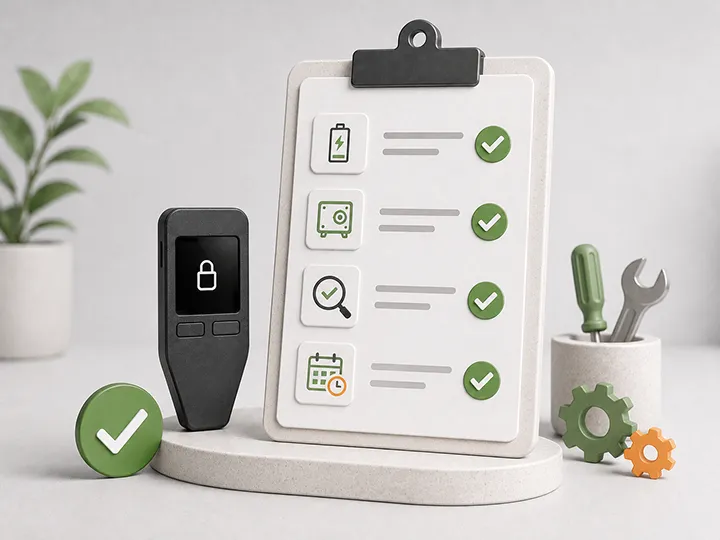
A safe recovery readiness checklist
This checklist is not a recovery procedure. It is a readiness check you can perform without exposing seed words.
- You know where the seed backup is.
- You can read the backup clearly.
- The word order is clear.
- You know whether a passphrase is used.
- You know where official setup and recovery instructions come from.
- You know which hardware wallet model or compatible recovery path you would use if the device disappeared.
- You know whether the current device firmware is reasonably maintained.
- You know the device and backup are not stored together in one obvious failure point.
- You have not stored the seed phrase in photos, cloud notes, password managers, chats, email, AI tools, or ordinary documents.
- You have a plan for what to do if the seed phrase may have been exposed.
What to do if the recovery setup already feels weak
Do not panic. Panic creates the exact behavior recovery attackers want.
First, separate uncertainty from exposure. A backup that is messy, old, or poorly documented is a weakness. A seed phrase that was photographed, typed into a website, sent through chat, or seen by someone else may be exposure.
| Problem found | Immediate posture | Next direction |
|---|---|---|
| Backup is hard to read | Do not destroy the old backup yet | Create a clearer backup using a safe device-supported process |
| Backup location is unclear | Stop relying on memory alone | Build private recovery instructions that do not reveal the seed |
| Passphrase may be forgotten | Do not assume the seed is enough | Confirm passphrase reality carefully before moving serious funds |
| Seed may be exposed | Treat the wallet as potentially compromised | Move to a fresh wallet using a trusted workflow when ready |
| Device is very old | Do not rush a random update path | Review official maintenance guidance and prepare calmly |
If meaningful Bitcoin is involved and you are unsure, slow down. The goal is to reduce risk, not create a new mistake while trying to fix the old one.
Recovery risk and hardware wallet choice
Recovery experience should be part of the hardware wallet decision.
A device may have strong security features but still be a poor fit if the owner cannot understand setup, backup, firmware updates, compatible wallet software, or recovery under stress. Usable recovery matters because recovery is where theoretical security meets real ownership.
When choosing a hardware wallet, look beyond feature lists. Ask:
- Does the setup clearly verify the backup?
- Does the screen and interface make recovery steps understandable?
- Does the vendor provide clear official recovery documentation?
- Can the device be maintained without panic?
- Can the wallet be recovered through standard material if the device is gone?
- Is the workflow simple enough for the amount of Bitcoin being protected?
For product-level decisions, use the buyer pages. This page's job is to help you avoid choosing or maintaining a setup that fails when recovery matters.
What this page does not solve
This page does not tell you to enter seed words, wipe a device, test a live wallet, add a passphrase, or move funds immediately.
It also does not choose a metal backup product, design multisig, or create inheritance instructions.
Its job is narrower: help you see how hardware wallet recovery fails in real life so you can repair the weak points before recovery becomes urgent.
Where to go next
- Hardware wallet backup basics
- Hardware wallet PIN and passphrase basics
- Hardware wallet firmware updates
- How to set up a Bitcoin hardware wallet
- What to do after buying a hardware wallet
- Hardware wallet maintenance checklist
- Best Bitcoin hardware wallets
FAQ
What is the biggest hardware wallet recovery risk?
The biggest risk is usually not the device breaking. It is the recovery setup failing because the seed phrase is missing, wrong, exposed, unreadable, or incomplete, or because a passphrase was forgotten.
If my hardware wallet breaks, do I lose my Bitcoin?
Not automatically. If the seed phrase and any passphrase are correct and private, the wallet can usually be restored on a compatible device or wallet. If the recovery material is missing or exposed, the situation is much more serious.
What happens if I forget my hardware wallet PIN?
The PIN protects the device. If you cannot unlock the device, you may need to recover or reset it. That is safe only if the seed phrase and any passphrase are available and correct.
Can a wrong passphrase make my wallet look empty?
Yes. With passphrase-protected wallets, a different passphrase can open a different wallet. This is why exact passphrase handling matters and why beginners should not add one casually.
Should I test my recovery phrase?
You should have recovery confidence, but testing must be done carefully. Do not type seed words into random websites, normal apps, AI tools, support forms, or cloud documents. Use safe official flows and learn at low stakes.
What if my hardware wallet company stops supporting my device?
A standard seed phrase and correct recovery context can often be used with compatible wallets, but you should not wait until an emergency to learn that path. Calm maintenance reduces this risk.
Is multisig the best way to reduce recovery risk?
Not for most beginners. Multisig can reduce some single-point failures, but it can also make recovery more complex. A simple setup that you can recover correctly is better than an advanced setup you cannot operate.