Hardware wallet PIN and passphrase basics

A hardware wallet PIN, seed phrase, and passphrase are three different things. They all involve secrets, but they do not protect the same part of the setup.
The PIN protects access to one physical device. The seed phrase protects recovery. A passphrase is an optional extra secret that can open a different wallet from the same seed phrase.
Most beginner mistakes happen when those roles get mixed together. A user thinks the PIN protects the backup. Or thinks the seed phrase is just a normal password. Or enables a passphrase because it sounds more secure, then discovers later that exact recovery depends on remembering one more secret perfectly.
This page separates the roles before you change anything.
Bitcoin Plaster verdict
The winner for most Bitcoin holders is a simple setup where the PIN, seed phrase, and any optional passphrase have separate, boring, well-understood jobs.
Use a PIN. Protect the seed phrase offline. Do not enable a passphrase until you can explain exactly what it changes and how you will recover it years later.
| Secret | What it protects | What it does not protect | Beginner default |
|---|---|---|---|
| PIN | Access to the physical hardware wallet | Recovery if the seed is lost or exposed | Use one |
| Seed phrase | Wallet recovery if the device is lost, reset, damaged, or replaced | It does not stay safe if photographed, typed online, or shared | Protect offline |
| Passphrase | An optional extra recovery secret that can open a different wallet | It does not have a normal support reset | Do not rush |
The practical order is simple: first make the normal wallet recoverable, then decide whether optional complexity actually solves a risk you have.
The PIN protects the device, not the wallet backup
A hardware wallet PIN is a local access control. It helps if someone gets the physical device and tries to unlock it.
That is useful. It is also limited.
A PIN does not recreate the wallet. It does not protect funds from someone who already has the complete seed phrase. It does not replace backup verification. It does not prove that the device was bought through a safe path.
| PIN situation | What it usually means | What matters next |
|---|---|---|
| You know the PIN and have the device | You can unlock the device for normal use | Still verify receive addresses and protect the seed |
| You forget the PIN but have the seed phrase | Recovery may still be possible | Use the correct recovery workflow for the device |
| You know the PIN but lose the seed phrase | The device may work today, but recovery is fragile | Fix backup risk before relying on meaningful funds |
| Someone has your seed phrase | The PIN may no longer matter | Treat the seed as exposed and move through a clean recovery plan |
The PIN is a device lock. Treat it like a useful front door, not like the foundation of recovery.
The seed phrase is the recovery authority
The seed phrase is the set of recovery words generated during setup. For a conventional seed-phrase hardware wallet, those words are what can restore the wallet if the device is unavailable.
That makes the seed phrase more serious than an app password, more serious than the device name, and more serious than the PIN.
If you lose the device but have a correct seed phrase, recovery may be possible. If you lose the seed phrase and the device later fails, recovery may not be possible. If someone else gets the complete seed phrase, they may be able to move the Bitcoin without touching your device.
That is why the seed phrase must stay offline, private, complete, correctly ordered, readable, and recoverable by the right person.
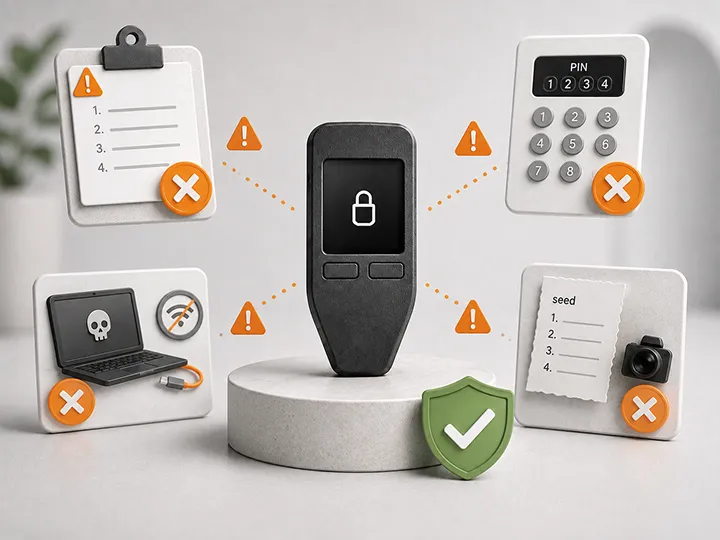
- Do not photograph the seed phrase.
- Do not save it in a cloud note, email draft, password file, or chat.
- Do not type it into a website, browser prompt, seller page, support chat, or random recovery tool.
- Do not use words that arrived printed in the box or supplied by a seller.
- Do verify the backup before meaningful Bitcoin depends on it.
For backup foundations, read hardware wallet backup basics. For recovery failure cases, read hardware wallet recovery risks.
A passphrase is optional, powerful, and unforgiving
A passphrase is an optional extra secret added to the seed phrase. It is sometimes described as an additional word, but that phrasing can mislead beginners.
The important point is this: a passphrase can change which wallet opens.
The same seed phrase with no passphrase can open one wallet. The same seed phrase with a specific passphrase can open a different wallet. A slightly different passphrase can open yet another wallet, often with no obvious error message telling you that you made a typo.
| Passphrase fact | Why it matters |
|---|---|
| It is optional | Basic self-custody does not require it on day one |
| It creates another recovery dependency | Seed phrase alone may not reach passphrase-protected funds |
| Exact input matters | Spacing, capitalization, symbols, and spelling can change the wallet |
| There is no normal support reset | The manufacturer cannot simply email you a replacement passphrase |
| It can help specific threat models | But only if the added complexity is managed correctly |
A passphrase can be useful for advanced users who understand the trade-off. It can reduce the damage from some seed-exposure or physical-access scenarios when the passphrase is stored and remembered separately with discipline.
But the same feature can also create self-lockout risk. If the passphrase is forgotten, mistyped, badly documented, or known only through memory that fails later, the funds behind it may be unreachable.
The three failure modes are different
Do not rank these secrets by how annoying they are to enter. Rank them by what fails if they are lost or exposed.
| Failure | Likely consequence | Operational lesson |
|---|---|---|
| Forgotten PIN | Often recoverable if the seed phrase is correct and available | PIN matters, but the seed phrase is the recovery path |
| Lost seed phrase | Recovery may fail if the device is lost, reset, damaged, or replaced | Backup quality is not optional |
| Exposed seed phrase | Someone else may be able to restore and move funds | Move to a clean wallet through a trusted workflow |
| Forgotten passphrase | Seed phrase alone may restore a different wallet than the funded one | Do not use one without a durable plan |
| Wrong passphrase variant | A different wallet may appear, often empty | Exact input discipline matters |
This is why the beginner-safe route is not to add more secrets immediately. It is to understand which secret controls which part of the system.
When a passphrase can make sense
A passphrase can make sense when the user has a specific threat model, a verified normal backup, and a clear plan for preserving the passphrase exactly.
| Situation | Passphrase fit | Reason |
|---|---|---|
| You are setting up your first hardware wallet | Usually wait | Backup and receive-address verification come first |
| You cannot explain how seed plus passphrase changes recovery | Do not enable | You are adding a failure mode you do not understand |
| You have a meaningful balance and a clear storage plan | Worth studying | The extra secret may address a real risk |
| You rely only on memory | High risk | Future recovery may happen under stress |
| You want a separate wallet layer for advanced custody planning | Possible advanced use | Only after testing with low stakes and documenting the recovery logic |
The best passphrase decision is not the most paranoid one. It is the one that improves your risk model without making recovery brittle.
Where beginners usually get passphrases wrong
Passphrases cause trouble because they feel familiar. Most people already know website passwords. That mental model does not transfer cleanly.
- A website password can often be reset. A wallet passphrase usually cannot.
- A website may tell you the password is wrong. A wallet may simply open a different empty wallet.
- A password manager entry may be recoverable through account access. A passphrase storage plan has to be considered as part of your Bitcoin custody design.
- A password protects an account. A passphrase can change the derived wallet itself.
That difference is why enabling a passphrase casually is not a beginner upgrade. It is a recovery-design decision.
Do not confuse a passphrase with a PIN
A PIN is used to unlock the device during normal use. A passphrase changes the wallet opened from the seed phrase.
If someone asks, "What is my passphrase?", the answer should not be "my device PIN." Those are separate secrets. Storing, changing, forgetting, and recovering from each one has different consequences.
| Question | PIN answer | Passphrase answer |
|---|---|---|
| Is it required for normal use? | Usually yes | No |
| Does it unlock the physical device? | Yes | Not by itself |
| Does it change the wallet that opens? | No | Yes, when used |
| Can you usually choose a new one after seed recovery? | Often yes | No, not for the old passphrase wallet |
| Should beginners treat it as advanced? | No, it is basic device access | Yes |
The safe beginner sequence
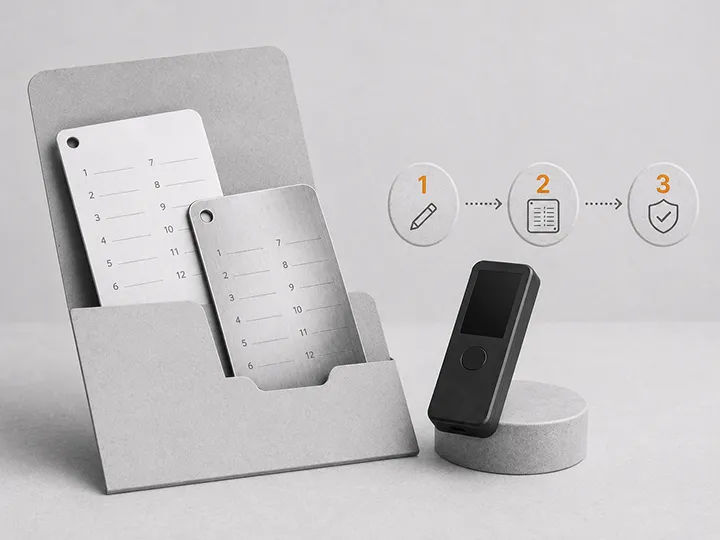
Use this order before adding optional layers:
- Buy through a clean source and avoid pre-written seed scams.
- Set up a new wallet through official software.
- Create a PIN you can use without writing it next to the device.
- Record the seed phrase offline and in order.
- Verify the backup through the wallet's supported process.
- Receive a small test amount.
- Confirm that you understand what the PIN does and what the seed phrase does.
- Study passphrases only after the ordinary recovery path is clear.
If you are not yet comfortable with those steps, do not add a passphrase to make the setup feel more secure. First make the basic setup recoverable.
Red flags and hard stops
| Signal | Why it is dangerous | What to do |
|---|---|---|
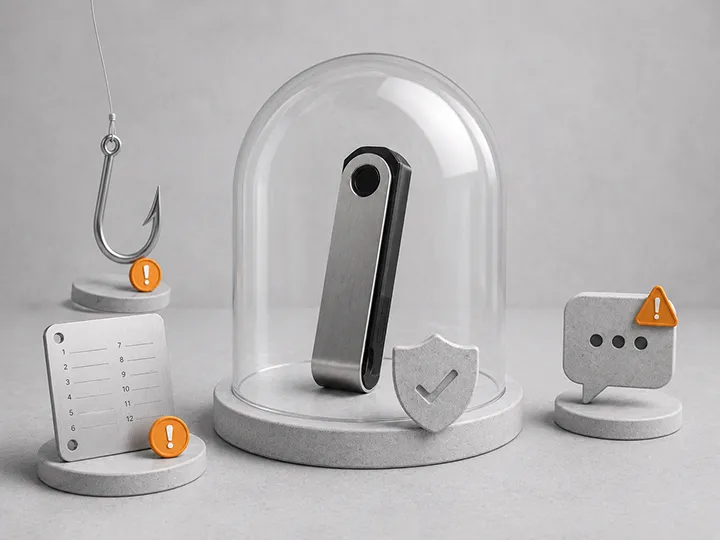
| Device arrives with seed words already written | Someone else may know the wallet | Stop and do not fund it |
| Website asks for your seed phrase during setup | Recovery words may be stolen | Close it and use official guidance |
| You enabled a passphrase but are unsure whether funds are behind it | You may later restore the wrong wallet | Pause and test with low stakes before adding funds |
| You cannot reproduce the passphrase exactly | Future recovery is not ready | Do not rely on that wallet for meaningful Bitcoin |
| You think the PIN can recover a lost seed phrase | The recovery model is misunderstood | Review backup and recovery basics before funding |
How this should affect hardware wallet choice
A good first hardware wallet should make the roles easy to understand. It should clearly distinguish device PIN, recovery phrase, optional passphrase, address verification, and backup checks.
Advanced features are not bad. But a beginner wallet that makes basic recovery confusing is a poor fit, even if the feature list looks impressive.
When comparing devices, ask:
- Does setup clearly explain the seed phrase without treating it like a normal password?
- Does the device make backup verification understandable?
- Does the interface clearly show when a passphrase wallet is being used?
- Does the recovery path still make sense if the original device is lost?
- Does the wallet help users avoid entering seed words into unsafe screens?
For product picks, go to best Bitcoin hardware wallets. For first-device filtering, use how to choose your first Bitcoin hardware wallet. For methodology, read how Bitcoin Plaster evaluates hardware wallets.
What this page does not solve
This page explains the difference between PIN, seed phrase, and passphrase. It does not tell every reader to enable a passphrase, design a family recovery plan, or choose a specific device.
Those are separate decisions.
Use this page as the role map. Then move into backup, recovery, setup, and product-choice pages depending on where your uncertainty is.
Where to go next
- Hardware wallet backup basics
- Hardware wallet recovery risks
- Common hardware wallet setup mistakes
- How to set up a Bitcoin hardware wallet
- What to do after buying a hardware wallet
- Best Bitcoin hardware wallets
FAQ
Is my hardware wallet PIN the same as my seed phrase?
No. The PIN unlocks the physical device. The seed phrase restores the wallet. If someone has your complete seed phrase, the device PIN usually does not stop them from recovering the wallet elsewhere.
What happens if I forget my hardware wallet PIN?
A forgotten PIN is often recoverable if your seed phrase backup is correct and available. You may be able to reset or replace the device and restore the wallet from the seed phrase, then choose a new PIN.
Is a passphrase required for basic Bitcoin self-custody?
No. A passphrase is optional. It can help specific advanced threat models, but it is not a beginner requirement and should not be used before the ordinary seed phrase recovery path is understood.
Can a wallet company reset my passphrase if I forget it?
No. A hardware wallet passphrase is not like a website password with an email reset. If Bitcoin is stored behind a passphrase and you cannot reproduce it exactly, the funds may be unreachable even if you still have the seed phrase.
Does a passphrase create a different wallet?
Yes, in practical terms. The same seed phrase with one passphrase can open a different wallet than the same seed phrase with no passphrase or a different passphrase.
Should I write my passphrase next to my seed phrase?
This page does not prescribe a storage design. The key point is that a passphrase creates another recovery secret. It must be preserved exactly while still being protected from the risk you are trying to reduce.
Should beginners use a passphrase?
Usually not on day one. Beginners should first learn clean setup, seed phrase backup, receive-address verification, small test transfers, and recovery readiness. A passphrase can come later if it solves a clearly understood risk.