Hardware wallet backup basics

A hardware wallet backup is the part of the setup that lets you recover if the device is lost, damaged, reset, stolen, replaced, or discontinued.
The device matters. But the backup is what decides whether the setup survives a bad day.
That is why backup basics deserve their own page. A hardware wallet can isolate private keys during normal signing, but it cannot rescue a seed phrase that was written down incorrectly, photographed, saved online, thrown away, split into an unsolvable puzzle, or hidden so well that nobody can recover it when recovery is actually needed.
The goal is not to make backups clever. The goal is to make them correct, private, durable enough, findable, and recoverable.
Bitcoin Plaster verdict
The winner for most Bitcoin holders is a simple, offline, clearly written, verified backup that the owner can actually recover from later.
Paper can be acceptable while learning and for small early balances if it is private, legible, and protected from obvious damage. Metal becomes the stronger long-term direction when the Bitcoin is meaningful enough that fire, water, age, or accidental disposal matter.
But metal does not fix a bad backup. A wrong word stamped into steel is still wrong. A photographed seed phrase is still exposed. A passphrase you forget is still unrecoverable. The material matters only after the recovery record is correct.
| Backup choice | Best role | Main risk | Bitcoin Plaster view |
|---|---|---|---|
| Clear offline paper backup | Learning, first setup, low early balances | Fire, water, fading, theft, accidental disposal | Acceptable baseline if handled carefully |
| Metal backup | Long-term Bitcoin storage | Cost, poor engraving, false confidence | Stronger durability layer after the words are correct |
| Digital note, photo, cloud file, email, screenshot | Convenience | Online exposure | Avoid for hardware-wallet recovery words |
| Split or encoded backup | Advanced storage planning | Recovery puzzle, missing fragment, forgotten method | Not a default beginner move |
| Seed phrase supplied by seller or support | None | Someone else may already know the wallet | Hard stop |
The device signs. The backup recovers.
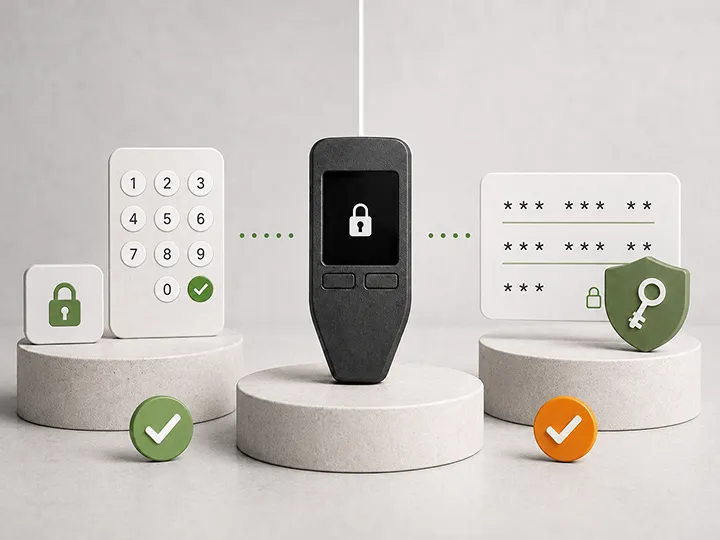
A hardware wallet is a signing device. It helps keep private keys away from your everyday computer or phone and asks you to approve actions on the device.
The backup has a different job.
The backup is the recovery authority. If the device is unavailable, the seed phrase is what can recreate access on a compatible wallet. If the device is working but the seed phrase is exposed, the device may no longer matter because the recovery path can be used somewhere else.
That separation is the core backup model:
- The PIN protects access to the device.
- The hardware wallet protects signing during normal use.
- The seed phrase protects recovery.
- A passphrase, when used, changes the recovery path and adds another thing that must not be forgotten.
Beginners often confuse these layers. That is where many backup mistakes begin.
What a seed phrase actually is
A seed phrase is usually a set of 12 or 24 words shown by the hardware wallet during setup. Those words represent the recovery secret behind the wallet.
The words are not a normal password. They are not a support code. They are not a receipt. They are not a login phrase for the manufacturer's website.
They are the recovery material that can recreate the wallet.
That means the seed phrase has two opposite failure modes:
- If someone else gets the complete phrase, they may be able to move the funds.
- If nobody can recover the complete phrase when the device is gone, the owner may lose access.
A good backup has to solve both problems at the same time. It must be hard for the wrong person to find and possible for the right person to recover.
What makes a backup usable?
A backup is not proven by existing. It is useful only if it can recover the wallet later.
| Backup property | What it means in practice | Failure pattern |
|---|---|---|
| Correct | Every word is exactly what the device generated | One wrong word breaks recovery |
| Complete | No word is missing and the word count is clear | Future you cannot reconstruct the phrase |
| Ordered | The words are numbered and kept in sequence | The phrase becomes a puzzle under stress |
| Readable | The writing or engraving can be read years later | Ambiguous handwriting causes a recovery failure |
| Private | The phrase is not online, photographed, shared, or casually visible | Someone else can restore the wallet |
| Findable | The owner or recovery plan can locate it when needed | The backup exists but cannot be found |
| Durable enough | The storage method fits the amount and time horizon | Paper, ink, location, or container fails over time |
Where people get stuck during the first backup
The first backup feels simple until the user realizes the consequences.
Most people do not get stuck because the wallet screen is impossible to follow. They get stuck because the backup forces them to answer uncomfortable operational questions:
- Where can I store something that must be private but not impossible to find?
- What happens if my house has a fire or flood?
- What happens if someone else sees this paper?
- What happens if I forget where I put it?
- What happens if I add a passphrase and forget it?
- What happens if my family needs recovery and I am unavailable?
That friction is real. Do not solve it by taking a photo, saving the words in a cloud note, or making a secret system you will not remember. Solve it by building a recovery plan that is simple enough to use and private enough to trust.
The correct first-backup workflow
A safe first backup is boring on purpose.
- Start with a clean device from a trustworthy purchase path.
- Set it up as a new wallet, not with seed words supplied by someone else.
- Write the words down offline while the device shows them.
- Number each word clearly.
- Check spelling and order before leaving the setup flow.
- Complete any built-in backup verification the device provides.
- Store the backup away from the device.
- Do not fund the wallet meaningfully until backup uncertainty is gone.
The most important point is simple: the seed phrase should be generated by your wallet during your setup, and it should be seen only by you.
If the device arrives with words already printed, written, emailed, messaged, or inserted in the box, stop. That is not your backup. That is a compromised setup path.
Do and do not
| Do | Do not |
|---|---|
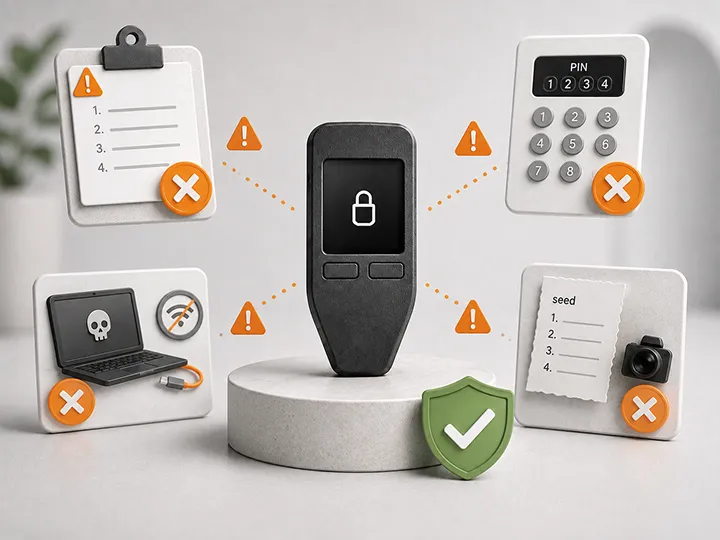
| Write the phrase offline during setup | Take a phone photo of the phrase |
| Number the words clearly | Rely on memory or word order guesses |
| Use official backup-check tools when available | Type the phrase into a random website to test it |
| Store the backup separately from the device | Keep the device and seed card in the same obvious place |
| Improve durability as the Bitcoin becomes meaningful | Assume paper is permanent without thinking about fire, water, or disposal |
| Keep the first setup simple | Add passphrases, fragments, or puzzles before you understand recovery |
Paper versus metal is a durability question, not the first question
Paper is easy to understand. That is why it is still part of many hardware-wallet setup flows.
Paper also has obvious weaknesses. It can burn, get wet, fade, tear, be thrown away, or be found by someone who should not see it.
Metal backups exist to reduce some of those physical durability risks. They can make sense when the Bitcoin amount and time horizon justify stronger disaster resistance.
But paper versus metal is not the first decision. The first decision is whether the words are correct, private, and recoverable.
The order should be:
- Correct words.
- Private storage.
- Recoverable process.
- Durability upgrade when the stakes justify it.
A metal backup is not a substitute for understanding. It is a stronger storage material for recovery information you already recorded correctly.
Why digital storage breaks the hardware-wallet model
The point of a hardware wallet is to keep sensitive key material away from normal internet-connected devices.
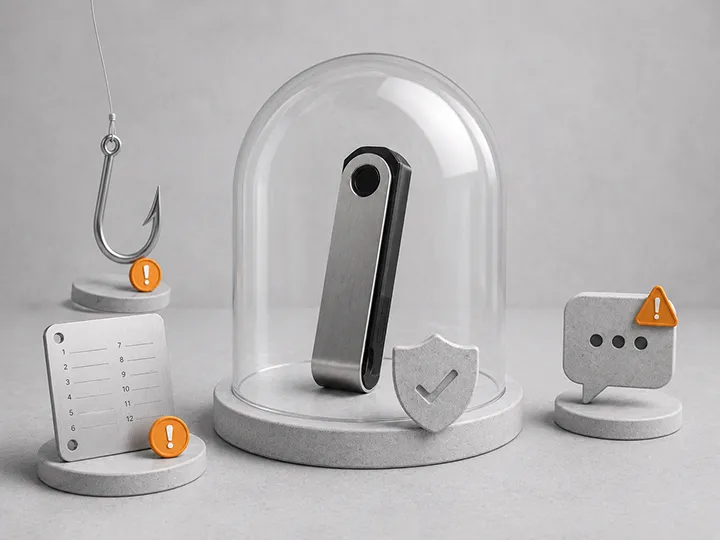
Saving the seed phrase as a photo, screenshot, note, document, email draft, password-manager entry, cloud file, or message moves the most sensitive recovery material back into the digital environment the hardware wallet was meant to avoid.
That does not mean every digital system fails instantly. It means the risk model changes. Now the recovery phrase may be exposed through cloud sync, device compromise, account takeover, backup exports, shared folders, app bugs, or future access by someone who inherits the device or account.
For a basic hardware-wallet backup, the clean rule is better:
Keep the seed phrase offline.
Passphrase warning: extra security can create extra recovery failure
A passphrase can be useful. It can add another layer on top of the seed phrase and can create a separate wallet controlled by the seed plus the passphrase.
But that also means the passphrase becomes part of recovery.
If you use a passphrase and later forget it, the seed phrase alone may not recover the wallet you actually used. If your recovery instructions mention the seed but not the passphrase, your plan may fail. If you store the passphrase badly, you may create a new exposure point.
For beginners, the safest first move is not to add every advanced feature immediately. First understand the base backup. Then decide whether passphrase complexity is worth the responsibility.
Use the dedicated guide before making that decision: hardware wallet PIN and passphrase basics.
Backup verification without creating a new danger
A backup that has never been checked is partly an assumption.
Many hardware wallets include a backup verification step during setup or inside the official app. Use safe verification methods from the wallet maker when available.
What you should avoid is turning verification into a dangerous improvisation:
- Do not enter the seed phrase into a random website.
- Do not type it into ordinary software because a forum post told you to test it.
- Do not wipe a funded wallet casually just to see what happens.
- Do not perform a recovery test if you do not understand the consequences.
Good verification reduces uncertainty. Bad verification exposes the phrase or creates recovery stress.
Where should the backup go?
There is no one perfect hiding place. The right location depends on your home, travel, family, threat model, and amount of Bitcoin.
But some placement rules are broadly useful:
- Do not keep the seed phrase in the same case as the hardware wallet.
- Do not leave it where a visitor, cleaner, roommate, contractor, or child could casually find it.
- Do not store it somewhere so obscure that you will forget it.
- Do not make the location depend on one fragile memory.
- Do not label it in a way that announces what it controls.
The practical balance is privacy plus recoverability. If the backup is too easy to find, it is exposed. If it is impossible to find, it is useless.
When the backup should be upgraded
Backup quality should scale with the seriousness of the Bitcoin it protects.
| Situation | Backup posture | Next step |
|---|---|---|
| Learning with a small test amount | Simple offline paper can be enough | Practice setup and verification |
| Holding a meaningful long-term balance | Paper alone may be a weak durability plan | Study metal backup and recovery storage |
| Adding a passphrase | Recovery now depends on more than the seed | Document the recovery plan carefully |
| Family or inheritance planning matters | Private-only memory may not be enough | Create recovery instructions without exposing the phrase unnecessarily |
| Multiple locations or split storage | Complexity increases | Move slowly and understand every failure mode |
What this page does not solve
This page explains the backup model. It does not choose your metal backup product, design your inheritance plan, tell you to use multisig, or tell you to add a passphrase.
Those are separate decisions.
Read this page first because every advanced recovery design still rests on the same foundation: the recovery material must be correct, private, durable enough, and usable by the right person at the right time.
Where to go next
- Hardware wallet recovery risks
- Hardware wallet PIN and passphrase basics
- Common hardware wallet setup mistakes
- How to set up a Bitcoin hardware wallet
- What to do after buying a hardware wallet
- Best Bitcoin hardware wallets
FAQ
Is a seed phrase the same as a password?
No. A password usually protects access to an account or device. A seed phrase is recovery material that can recreate wallet access. Treat it as more sensitive than a normal password.
Can I store my hardware wallet seed phrase in a password manager?
For a basic hardware-wallet backup, the safer baseline is no. A password manager turns the recovery phrase into digital data reachable through accounts, devices, backups, or exports. Keep the seed phrase offline unless you have a very specific advanced reason and understand the trade-off.
Is paper safe enough for a seed phrase backup?
Paper can be acceptable for learning and early setup if it is private, legible, and protected. For meaningful long-term Bitcoin, paper's fire, water, aging, and disposal risks make a durable backup worth studying.
Does a metal backup make my wallet safe?
Not by itself. Metal can improve durability, but it does not fix wrong words, exposed words, bad storage, forgotten passphrases, or unclear recovery instructions.
Should I test my seed phrase backup?
You should verify backup readiness, but use safe wallet-supported checks when available. Do not enter the phrase into random websites or ordinary software, and do not wipe a funded wallet casually.
What if someone sees my seed phrase?
Treat it as serious exposure. The exact response depends on the setup and balance, but the normal safety direction is to move funds to a new wallet with a fresh seed phrase using a trusted device and workflow.
Should beginners split a seed phrase into pieces?
Usually no. Splitting can sound safer, but it can also create missing-fragment and recovery-puzzle risk. A simple backup you can recover from is better than a clever backup you cannot reconstruct.