Mobile vs desktop apps for hardware wallets

A hardware wallet does not work alone. You usually use it with a companion app, desktop program, browser interface, phone app, or QR workflow that prepares transactions and broadcasts them after the device signs.
That software layer matters because it shapes the custody routine you will actually repeat. It can make address verification easier or easier to skip. It can make firmware updates calmer or more confusing. It can keep you inside one guided app or require you to choose external wallet software from the start.
The decision is not simply mobile versus desktop. The better question is: which companion workflow helps you slow down, verify on the device, source software safely, and avoid turning convenience into carelessness?
Bitcoin Plaster verdict
For most Bitcoin-only holders who are not phone-first, the best default companion workflow is a calm desktop or desktop-like setup. That is why BitBox02 Bitcoin-only is the default pick on this page for desktop or Android users who want a clean first workflow.
But this page is a workflow-routing page, not a one-product page. If your real life is phone-first, the winner changes. If you specifically want QR signing, the winner changes. If you want a guided touchscreen Trezor flow, the winner changes.
| Workflow need | Best starting point | Why it fits | Skip if |
|---|---|---|---|
| Clean desktop or Android Bitcoin-only workflow | BitBox02 Bitcoin-only | Focused BitBoxApp path, USB-C signing, Bitcoin-only scope, practical backup routine | You are iPhone-first or want QR air-gapped signing |
| Guided desktop with touchscreen comfort | Trezor Safe 5 Bitcoin-only | Trezor Suite plus larger touchscreen makes setup, PIN, address checks, and recovery steps easier | You want the cheapest Trezor path or air-gapped signing |
| Lower-cost desktop Trezor workflow | Trezor Safe 3 Bitcoin-only | Good budget Trezor path if you accept the smaller screen and button workflow | You want frequent passphrase use or more screen comfort |
| Phone-first or iPhone-first Trezor workflow | Trezor Safe 7 | Best fit here when mobile use is central, especially if you want the premium Trezor phone experience | You want the simplest low-cost first wallet |
| QR signing or air-gapped habits | Blockstream Jade | Best reviewed path here for learning USB-C, Bluetooth, and QR signing tradeoffs | You want the lowest-friction guided beginner workflow |
The companion app is not where Bitcoin safety begins. The security boundary is still the hardware wallet, the seed phrase, and your verification behavior. But the companion workflow can either support those habits or quietly weaken them.
Current product route map by workflow
Use this section only after you know your real companion environment. Do not choose mobile because it sounds modern. Do not choose desktop because it sounds safer. Do not choose QR because it sounds more hardcore. Choose the path that makes correct behavior easier.
| If your workflow is... | Start here | Why | Next step |
|---|---|---|---|
| Desktop-first, Bitcoin-only, clean app path | BitBox02 Bitcoin-only | In the Bitcoin Plaster review, the tested path included BitBoxApp setup, firmware update, pairing-code check, microSD backup, written 24-word backup, receiving Bitcoin, and sending Bitcoin back out. | Check BitBox02 at the official store |
| Desktop-first, guided touchscreen comfort | Trezor Safe 5 Bitcoin-only | The Safe 5 review showed why touchscreen comfort matters during PIN entry, backup confirmation, recovery word entry, address checks, and transaction approval. | Check Trezor Safe 5 at the official store |
| Desktop-first, lower-cost Trezor path | Trezor Safe 3 Bitcoin-only | Safe 3 is the budget Trezor route, but the review makes the tradeoff clear: the smaller screen and two-button flow require more patience. | Check Trezor Safe 3 at the official store |
| Phone-first or iPhone-first | Trezor Safe 7 | The Safe 7 review specifically tested Bluetooth setup with iPhone, send and receive flow, and passphrase use, making it the clearest reviewed mobile-first route. | Check Trezor Safe 7 at the official store |
| QR signing, air-gapped habits, manual Bitcoin workflow | Blockstream Jade | The Jade review tested USB-C, Bluetooth, and QR signing. USB-C was simplest, QR was the cleanest isolation path, and Bluetooth was the roughest experience. | Check Blockstream Jade at the official store |
Affiliate disclosure: Official manufacturer store affiliate links. When you use a Blockstream link, your 10% discount will be applied automatically at checkout, and we may earn a commission as well.
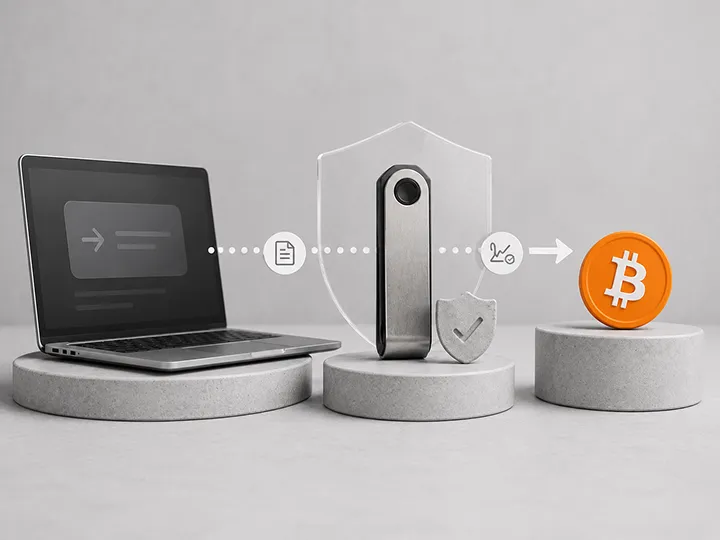
The companion app prepares. The hardware wallet signs.
The basic workflow is simple:
- The companion app shows balances and prepares a receive address or unsigned transaction.
- The transaction data moves to the hardware wallet through cable, Bluetooth, NFC, QR, microSD, or another supported method.
- The hardware wallet shows the critical details on its own screen when it supports that verification model.
- You check the address, amount, and fee on the device, not only in the app.
- The hardware wallet signs internally.
- The companion app broadcasts the signed transaction.
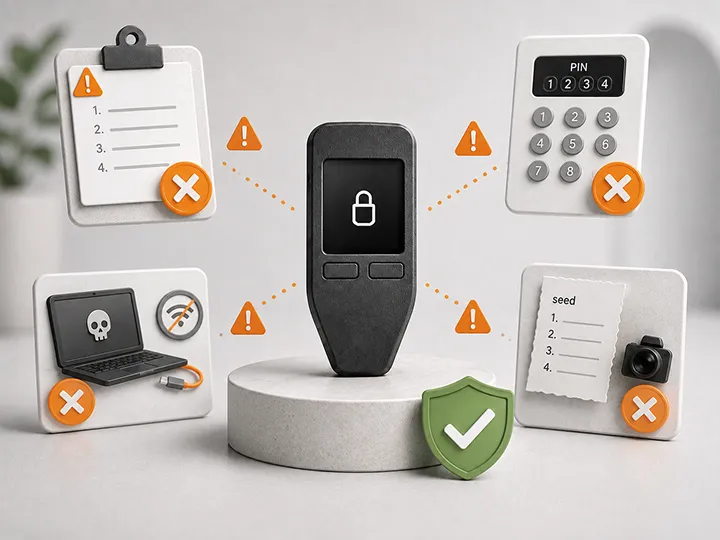
The private key should not leave the hardware wallet during normal use. If a phone app, desktop program, browser page, support chat, or update prompt asks you to type the seed phrase to connect the wallet, stop. That is not a normal companion-app step.
This is why workflow matters. The app can prepare the transaction, but the signing device is where the trust checkpoint should happen. If the companion workflow makes that checkpoint hard to see, easy to rush, or confusing to understand, the product is weaker in practice.
For the broader device boundary, read what a hardware wallet does and what a hardware wallet does not solve.
Mobile can be right when it matches your actual life
Mobile workflows work best when you already manage important activity carefully from your phone and the hardware wallet is built for that environment.
A mobile companion app can reduce friction. It can make setup feel less intimidating, make small receive tests faster, and support people who do not want to sit at a desktop computer every time they interact with their wallet.
That convenience is useful only if it does not make you casual.
| Mobile advantage | Why it helps | What to watch |
|---|---|---|
| Phone-first routine | You are more likely to use the wallet if the workflow fits your normal device | Do not approve while distracted or multitasking |
| Bluetooth or NFC convenience | Less cable friction can make mobile signing smoother | Convenience should not replace careful device-screen checks |
| Travel and portability | The setup can remain usable away from a desk | Physical privacy and phone security matter more |
| Guided app experience | Beginners may face fewer software choices | App lock-in can reduce flexibility later |
Mobile is a good fit when the phone is updated, protected, sourced from official app paths, and used slowly enough for real verification.
From the current reviewed products, the clearest mobile-first route is Trezor Safe 7. It is not the right answer for everyone, but it is the reviewed product that most directly solves the phone-first problem.
Check Trezor Safe 7 at the official store Read the Safe 7 review
Affiliate disclosure: Official manufacturer store affiliate links. When you use a Blockstream link, your 10% discount will be applied automatically at checkout, and we may earn a commission as well.
Desktop can be right when it makes you more deliberate
Desktop workflows work best when you want a stable home setup, a larger screen, easier file handling, and a slower environment for larger transactions.
A desktop app can make firmware review, wallet history, receive-address checks, and transaction construction feel more controlled. It also pairs naturally with hardware wallets that rely on cable connection or desktop wallet software.
Desktop is not automatically safer. A general-purpose computer with random downloads, old software, many browser extensions, and careless clipboard habits is not a clean Bitcoin environment.
| Desktop advantage | Why it helps | What to watch |
|---|---|---|
| Larger screen | Easier to compare addresses, transaction history, and fee settings | The app screen is still not the final authority |
| At-home routine | Good for less frequent, more deliberate cold-storage actions | Do not turn the computer into a risky general-download machine |
| Advanced wallet software | Useful for users who want more control over privacy, coin selection, or multisig later | More controls can create more mistakes |
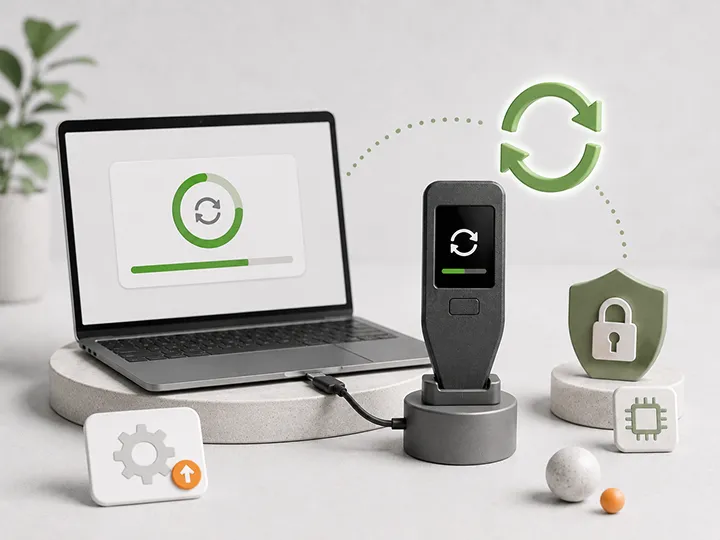
| Firmware and maintenance | Some devices make updates and device management easier on desktop | Only use official update paths |
Desktop is a good fit when the computer is reasonably clean and the larger interface makes you more careful, not more trusting.
From the current reviewed products, the strongest desktop-first paths are BitBox02 Bitcoin-only for a focused Bitcoin-only workflow and Trezor Safe 5 Bitcoin-only if touchscreen comfort matters more.
Check BitBox02 at the official store Read the BitBox02 review
Affiliate disclosure: Official manufacturer store affiliate links. When you use a Blockstream link, your 10% discount will be applied automatically at checkout, and we may earn a commission as well.
Browser interfaces deserve extra discipline
Some hardware wallets can be used through a browser-based interface or a web-connected setup page. That can be convenient, but the browser is a noisy environment.
The risks are practical: fake domains, search ads, cloned setup pages, malicious browser extensions, stale tabs, and prompts that look official when they are not.
If you use a browser interface, make the browser part of your security routine:
- Navigate from the official manufacturer source, not a search ad.
- Use a clean browser profile when possible.
- Remove unnecessary extensions.
- Bookmark the correct page only after verifying it carefully.
- Do not type seed words into the browser for routine connection, setup support, or firmware updates.
For supply-chain and fake setup risks, read hardware wallet supply-chain risk and how to check if a hardware wallet is genuine.
Connection method changes the experience
Mobile versus desktop is only one part of the workflow. The connection method often matters just as much.
| Connection style | What it feels like | Best for | Trade-off |
|---|---|---|---|
| USB cable | Plug in, open app, verify, sign | Simple desktop or guided setup | Less portable, depends on computer or compatible phone cable flow |
| Bluetooth | Wireless phone or desktop pairing | Users who want easier mobile interaction | Some users dislike wireless trust assumptions |
| NFC | Tap phone and device or card | Very mobile-first routines | Often tied tightly to a specific app ecosystem |
| QR codes | Scan unsigned and signed transaction data | Airgapped or lower-direct-connection workflows | More scans, more patience, more chance to rush |
| microSD | Move files between wallet and computer | Advanced offline workflows | File handling and card discipline matter |
The best connection method is the one that keeps the verification step visible and repeatable. For Jade, the Bitcoin Plaster review found the hierarchy clearly: USB-C was simplest, QR was cleanest for isolation, and Bluetooth was the roughest path. That is the kind of real workflow tradeoff this page is trying to surface.
Check Blockstream Jade at the official store Read the Jade review
Affiliate disclosure: Official manufacturer store affiliate links. When you use a Blockstream link, your 10% discount will be applied automatically at checkout, and we may earn a commission as well.
Five workflow archetypes
| Archetype | Likely fit | Why |
|---|---|---|
| Home desktop holder | Desktop app or desktop wallet software | Less frequent use, calmer review, easier maintenance |
| Phone-first holder | Mobile app with a wallet designed for that workflow | Matches real device habits and travel needs |
| Beginner who wants guidance | Manufacturer app with clear setup and recovery prompts | Reduces early software-choice overload |
| Power user | Desktop wallet software with advanced controls | Better for coin control, privacy, custom fees, and multisig planning |
| Isolation-focused user | QR or microSD workflow | Reduces direct connection but adds manual steps |
A beginner should usually start with the archetype they can repeat correctly, then grow into more advanced software later. A power user can justify more control. A beginner choosing more control before understanding the basics can turn the companion app into a source of mistakes.
Where people get stuck
Most companion-app problems are not dramatic. They are small frictions that become risky because users rush.
- They download software from a search result instead of the official source.
- They approve a transaction after checking only the phone or desktop screen.
- They confuse a watch-only app with the signing device.
- They assume Bluetooth, QR, or USB makes the wallet automatically safe.
- They forget that the seed phrase is still the real recovery path.
- They buy a device before knowing whether it fits their phone or computer.
- They choose advanced software before they can explain the basic workflow.
The right companion workflow should make the safe behavior boring. If it turns every transaction into a mystery, it is not the right first workflow yet.
Do and do not
| Do | Do not |
|---|---|
| Download companion software from official sources | Trust search ads or random download pages |
| Verify addresses and transaction details on the hardware wallet screen | Approve only from the phone or computer display |
| Choose mobile if mobile helps you stay consistent | Choose mobile because it feels faster |
| Choose desktop if desktop makes you slower and more deliberate | Assume a messy computer is automatically safer than a clean phone |
| Choose QR or microSD if you understand the added steps | Choose manual workflows only because they sound more secure |
| Check app compatibility before buying | Assume every wallet works with every companion app |
| Start with small tests before moving meaningful Bitcoin | Move serious funds before the workflow feels boring |
How to choose your companion workflow
- Start with your real usage: phone-first, desktop-first, or advanced manual workflow.
- Check the exact device supports that workflow before buying.
- Confirm how setup, firmware updates, and recovery are handled.
- Confirm whether the device works only with one app or also with external wallet software.
- Practice receiving a small amount and verifying the address on the device.
- Practice sending a small amount and verifying the amount and destination.
- Only move meaningful Bitcoin after the workflow is repeatable.
For day-one execution, read how to set up a Bitcoin hardware wallet. For what to do after purchase, read what to do after buying a hardware wallet.
What this page does not decide
This page does not declare mobile safer than desktop, desktop safer than mobile, or airgapped safer than connected for every reader.
It decides a narrower question: which interface environment fits your habits and reduces the chance that you skip verification?
| If you need... | Read next |
|---|---|
| Product winners and trade-offs | Best Bitcoin hardware wallets |
| First-device buying guidance | How to choose your first Bitcoin hardware wallet |
| Air-gapped decision guide | Air-gapped hardware wallets |
| Evaluation framework | Hardware wallet comparison criteria |
| Security model trade-offs | Hardware wallet security models |
| Long-term maintenance | Hardware wallet maintenance checklist |
Final product route map
Use the product route only after the workflow fits. The wrong companion workflow can make even a good hardware wallet feel unsafe, frustrating, or easy to misuse.
| Choose this if... | Wallet path | Route |
|---|---|---|
| You want the default clean desktop or Android Bitcoin-only workflow | BitBox02 Bitcoin-only | Check BitBox02 at the official store |
| You want a guided touchscreen desktop Trezor workflow | Trezor Safe 5 Bitcoin-only | Check Trezor Safe 5 at the official store |
| You want the lower-cost Trezor path and accept button friction | Trezor Safe 3 Bitcoin-only | Check Trezor Safe 3 at the official store |
| You are genuinely phone-first or iPhone-first | Trezor Safe 7 | Check Trezor Safe 7 at the official store |
| You specifically want QR signing or air-gapped habits | Blockstream Jade | Check Blockstream Jade at the official store |
Affiliate disclosure: Official manufacturer store affiliate links. When you use a Blockstream link, your 10% discount will be applied automatically at checkout, and we may earn a commission as well.
FAQ
Is mobile less safe than desktop for a hardware wallet?
Not by default. A clean, updated phone used carefully can be a reasonable companion environment. A cluttered computer with risky downloads and browser extensions can be a weak environment. The real question is which device you can keep clean and use slowly.
What is the best hardware wallet companion workflow for most Bitcoin beginners?
For most Bitcoin-only beginners who are not phone-first, a calm desktop or desktop-like workflow is usually the best starting point. In the current Bitcoin Plaster reviewed set, BitBox02 Bitcoin-only is the default clean desktop or Android path, while Trezor Safe 5 is the stronger touchscreen desktop path.
Which wallet is best if I am phone-first?
From the current reviewed products, Trezor Safe 7 is the clearest phone-first path because the review tested iPhone Bluetooth setup, sending, receiving, and passphrase use. It is not the cheapest or simplest path, but it is the one that fits the phone-first job most directly.
Does the companion app hold my private keys?
In a normal hardware wallet setup, the companion app should not hold your seed phrase or private keys. It prepares and broadcasts transaction data. The hardware wallet signs internally.
Should I use Bluetooth with a hardware wallet?
Bluetooth can be convenient for mobile workflows when the device is designed for it. It is not automatically wrong, and it is not automatically the best choice. Use it when convenience helps you use the wallet correctly without skipping verification.
Are QR-code wallets safer than app-based wallets?
QR workflows can reduce some direct-connection exposure, but they add more scanning and verification steps. They are best for users who understand the workflow and will not rush it. In the current reviewed set, Blockstream Jade is the clearest QR workflow path.
Should beginners avoid advanced wallet software?
Beginners do not need to avoid it forever, but they should not choose advanced software only because it sounds safer. More control can help experienced users and confuse new users.
What is the biggest red flag in a companion app?
A seed phrase prompt during normal connection, setup support, firmware update, or account sync is a hard red flag. Do not type your seed words into a phone, desktop app, browser page, cloud note, or support chat.
Can one hardware wallet work with both mobile and desktop?
Some can, but support varies by device, operating system, connection method, and software. Check the exact manufacturer guidance before buying around a specific workflow.
What is the safest choice for most people?
The safest practical choice is the workflow the user can keep clean, source officially, verify on-device, and repeat without stress. For many beginners, that is a guided setup. For more advanced users, it may be a more manual workflow.