How to verify your seed phrase backup

A seed phrase backup is verified only when it is readable, complete, and proven to reproduce the wallet you expect through a trusted wallet-level check.
Use this page for the full initial verification procedure. Use the verification checklist as the short execution sheet, and use the recovery drill later to rehearse the complete recovery process.
The safety boundary
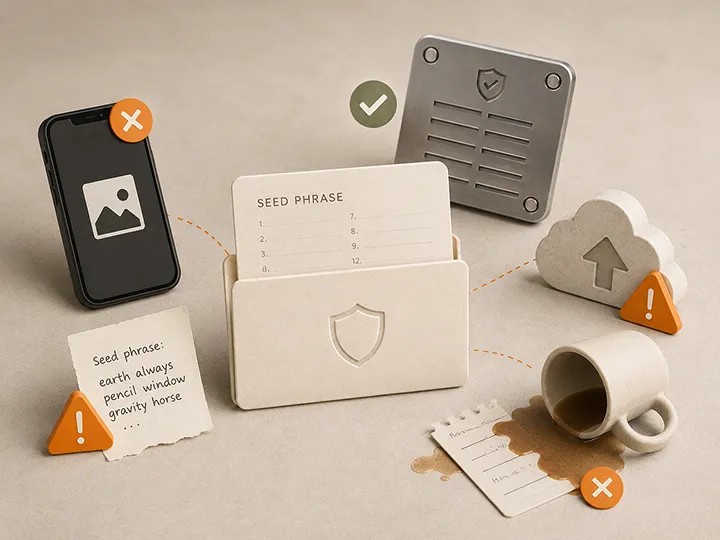
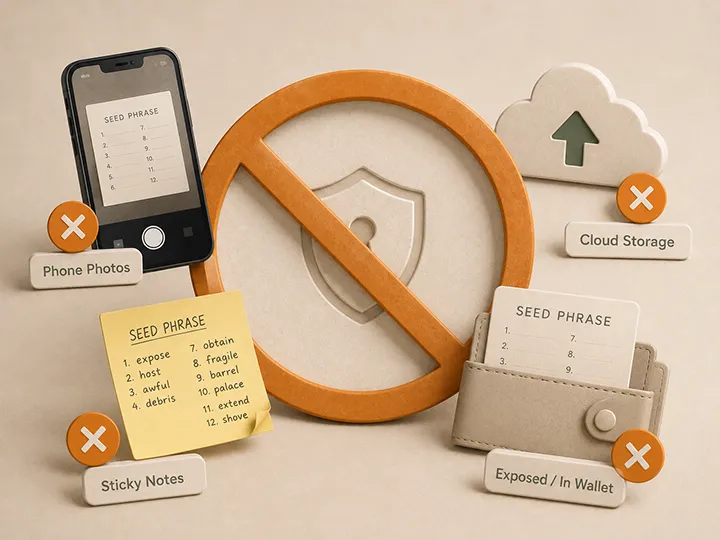
Never verify a real seed phrase through a website, browser extension, search box, cloud document, ordinary computer application, AI tool, support chat, email, photograph, scan, or online seed checker.
Use only a recovery-check, backup-check, simulated-recovery, or recovery workflow that you deliberately opened through current official documentation for the exact wallet model.
Stop when the workflow is unexpected, requests the seed through an unfamiliar interface, or cannot be matched to the manufacturer's current instructions.
What verification must prove
| Layer | Required proof |
|---|---|
| Physical record | Every expected word, identifier, plate, tile, or component is present, ordered, readable, and stable. |
| Wallet match | The recovery input opens the intended wallet, not merely a valid wallet. |
| Passphrase match | When a passphrase is used, the exact seed and exact passphrase combination opens the intended wallet. |
| Copy independence | Every recovery-capable copy has been checked separately. |
| Future usability | The authorized recovery path remains understandable without guessing or private memory. |
Before you begin
- Keep the original working wallet accessible when possible.
- Identify the exact physical copy being checked.
- Confirm the wallet model, recovery format, word count, and passphrase status.
- Choose a known non-secret success signal, such as a wallet fingerprint, account context, or previously confirmed receiving address.
- Prepare a private, interruption-free environment without cameras or observers.
- Open the current official recovery-check instructions before exposing the backup.
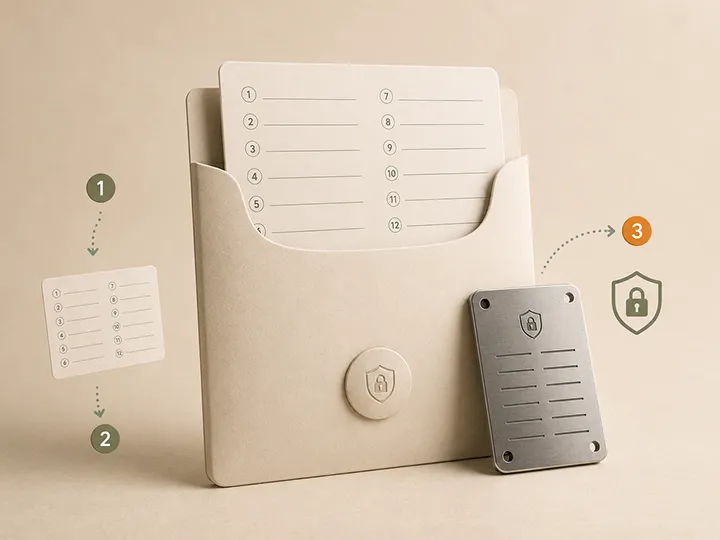
Step 1: identify the backup and wallet
Write down only non-secret context:
- a copy identifier;
- the wallet or setup it should recover;
- whether the copy is active, secondary, or retired;
- whether a passphrase is required;
- which trusted workflow will be used;
- which non-secret signal confirms success.
Do not write the seed words or passphrase in this inventory.
Step 2: inspect the physical record
Confirm the expected format before interpreting the marks.
- Check the expected number of words, positions, plates, rows, shares, or components.
- Check numbering and order. No position should be duplicated, skipped, reversed, or ambiguous.
- Reject handwriting, engraving, punches, or tiles that require guessing.
- Confirm that paired plates, capsules, washers, or tile enclosures are assembled in the intended orientation.
- Confirm that corrosion, heat, water, impact, or wear has not made any entry uncertain.
For a permanent metal record, verify the source before marking and verify the finished record again after marking. Permanent media preserves mistakes as effectively as correct data.
Step 3: run the trusted wallet-level check
The preferred method is the wallet's official native recovery-check or simulated-recovery function when one exists.
- Initiate the function yourself from the trusted wallet environment.
- Follow current instructions for the exact model and firmware.
- Enter the recovery data only through the intended trusted interface.
- Do not reset the only functioning wallet merely to test the backup.
- Stop if the workflow differs materially from the official instructions.
When no native check exists, a planned restore on a dedicated compatible hardware wallet may be appropriate. A random online BIP39 tool is not an acceptable substitute.
Step 4: confirm the expected wallet
A recovery workflow accepting the phrase proves only that the input is structurally valid. It does not prove that the phrase belongs to the intended wallet.
Confirm the result against the success signal chosen before the check:
- a known wallet fingerprint;
- a previously confirmed receiving address;
- the expected account or wallet label;
- another non-secret identifier supported by the wallet workflow.
Do not send funds merely to discover whether the recovered wallet is correct.
Step 5: verify the passphrase branch
When an optional passphrase is used, the seed alone may open a different valid wallet. A different capitalization, space, punctuation mark, or character can also open another wallet without an error message.
Verification passes only when the exact seed and exact passphrase reproduce the intended wallet. Keep the passphrase recovery method separate from the seed record unless the design explicitly requires otherwise.
Step 6: verify every copy separately
Each handwritten, punched, engraved, tile-based, off-site, or replacement copy is a separate transcription event. One verified copy does not prove another copy is correct.
Check every recovery-capable copy and record only its non-secret result:
- verified date;
- copy identifier;
- wallet matched;
- passphrase branch matched when applicable;
- physical condition;
- next review trigger.
When verification fails
| Failure | Correct response |
|---|---|
| Unreadable or ambiguous entry | Preserve the working wallet and any reliable source record. Create a replacement and verify it before retiring the old copy. |
| Valid phrase, wrong wallet | Check wallet identity, passphrase, account context, and whether the backup belongs to an older setup. |
| Passphrase uncertainty | Do not guess under pressure. Preserve current access and rebuild the recovery plan while the wallet remains available. |
| Unexpected recovery prompt | Stop. Reconfirm the official workflow before entering any secret. |
| Suspected exposure | Treat it as an incident. Use What if someone finds your seed phrase?. |
Initial verification is not a recovery drill
Initial verification proves that the backup is correct. A recovery drill later proves that the full operating process still works: retrieval, tools, instructions, authorized people, passphrase handling, wallet identification, and return to storage.
After the first successful check, use the drill after material changes or on a deliberate periodic schedule. Do not repeatedly expose the backup without a defined reason.
Final verification standard
The backup passes only when the physical record is unambiguous, the trusted wallet-level check succeeds, the intended wallet is confirmed, the exact passphrase branch works when applicable, and each active copy is independently verified.
After the backup passes verification
Do not make an unverified phrase permanent. Once the record has passed the trusted wallet-level check, the expected wallet has been confirmed, and every copy has been inspected separately, a durable metal format becomes a reasonable next step.
Trezor Keep Metal is our overall winner when the exact version matches the verified recovery format. Billfodl is the reusable alternative when correction and future replacement matter more than minimizing movable parts.
Official Trezor and Billfodl store affiliate links. We may earn a commission at no extra cost to you.
Compare all six reviewed options in Best metal seed phrase backups before transferring the verified record to its long-term medium.
Frequently asked questions
Is visual inspection enough to verify a seed phrase backup?
No. Visual inspection can find missing, duplicated, reversed, or unreadable entries, but only a trusted wallet-level check can confirm that the backup opens the intended wallet.
What is the safest verification method?
Use the wallet maker's official native recovery-check or simulated-recovery function when available, following current documentation for the exact model and firmware.
Is an online seed checker safe?
No. Do not enter a real seed phrase into a website, browser tool, AI tool, cloud document, or random application.
How do I know the recovered wallet is the correct one?
Compare the result with a non-secret identifier chosen before the check, such as a wallet fingerprint, account context, or known receiving address.
Does a wrong passphrase produce an error?
Not necessarily. A different passphrase can open a different valid wallet, so the expected wallet must be confirmed.
Should every backup copy be verified?
Yes. Every manually created copy can contain a different error and should be checked independently.
How often should I verify the backup?
Verify every active copy after creation and after a material change, damage event, wallet migration, passphrase change, or other defined review trigger. Use a recovery drill for periodic process rehearsal.