Blockstream Jade Plus hands-on review

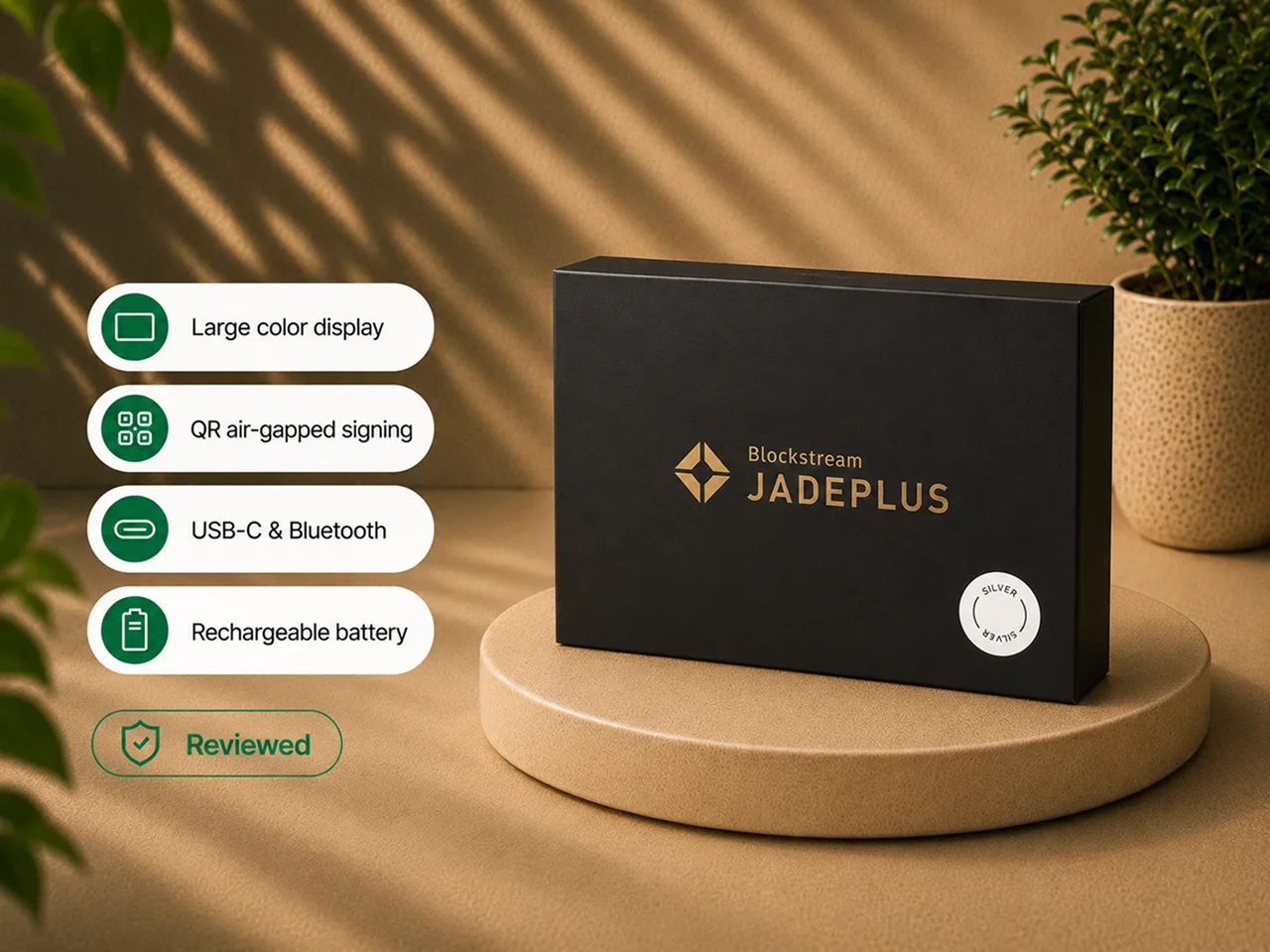
I tested Jade Plus from first setup through USB-C, Bluetooth, QR PIN unlock, QR transaction signing, receive-address verification, and send approval on the device.
That experience produced a clear verdict.
Jade Plus is the best device in the Jade family. It keeps the open-source, Bitcoin-focused philosophy and the flexible USB-C, Bluetooth, and QR options of Blockstream Jade, then fixes the hardware friction that made regular QR signing feel like work on the original. The larger and brighter screen, improved controls, better camera, battery, and documented offline firmware-update path make Plus feel designed around repeatable air-gapped use rather than merely capable of it.
My bottom line: if QR air-gapped signing is central to your setup, Jade Plus is the clear winner because the upgrade buys the thing that actually matters - a camera and screen that stop fighting you. If you will only ever plug in over USB-C, the upgrade is much harder to justify, and Blockstream Jade remains the value pick. Jade Plus does not change the security architecture: it uses the same Blind Oracle model, so it does not answer buyers who specifically want a sealed secure element.
Hands-on scope and evidence boundary
The hands-on work behind this review covered:
- unboxing and handling the metal Jade Plus;
- charging the device and completing first setup;
- creating a new wallet and choosing the recovery-phrase length;
- recording and confirming the recovery words;
- setting and using the PIN;
- navigating the menus with the two top buttons and the front confirm button;
- signing transactions over USB-C;
- pairing and signing over Bluetooth;
- completing QR PIN unlock and QR transaction signing with the camera;
- verifying destination, amount, and fee on the Jade Plus screen before approving;
- using the Blockstream app as the guided interface for receive and send.
This review does not claim that I:
- perform a hardware teardown or inspect the newer-generation processor board;
- reproduce a physical side-channel attack;
- audit the firmware;
- independently reproduce a public vulnerability;
- test every metal color variant (I used one metal unit);
- test every compatible third-party wallet;
- run a multi-year battery test;
- use Jade Plus as the only signer for a large treasury;
- treat "air-gapped" as proof that every threat had disappeared.
The Blind Oracle model, public security disclosures, offline firmware-update methods, accessory details, and broad third-party compatibility are documentation-based unless I explicitly describe a tested workflow.
My verdict
Jade Plus earns its place by improving the parts of Jade that the owner touches every single time.
The screen is larger and brighter. The physical controls are easier and more tactile. The camera scans QR codes with far less frustration. The body feels mature instead of budget. Blockstream documents an offline firmware-update path, while USB, Bluetooth, and compatible third-party wallet workflows remain available.
This is not a different security philosophy. The Blind Oracle virtual secure-element tradeoff remains, exactly as it does across the whole lineup. QR mode still takes more steps than plugging in a cable. A beginner must still protect the recovery phrase and understand what the device is signing.
The difference is that the advanced workflow finally feels practical enough to become your default.
Jade Plus is easiest to recommend when the buyer wants:
- QR air-gapped signing as the main workflow, not an occasional demo;
- the best camera and screen in the Jade family;
- a battery-powered signer that works with both phone and desktop;
- Sparrow or another compatible Bitcoin wallet;
- open-source hardware and firmware;
- supported offline firmware updates and stricter operational choices;
- a device that feels premium in daily handling.
It is harder to recommend when the buyer:
- will only ever sign over USB-C (see Blockstream Jade for the value case);
- wants a traditional sealed secure element (BitBox02 fits better);
- needs broad altcoin support;
- expects "air-gapped" to remove every software and backup risk;
- wants a zero-learning-curve device.
Jade Plus at a glance
| Item | What it means in practice |
|---|---|
| Official lineup name | Jade Plus ("the advanced device") |
| Asset scope | Bitcoin and Liquid |
| Chipset | newer-generation processor |
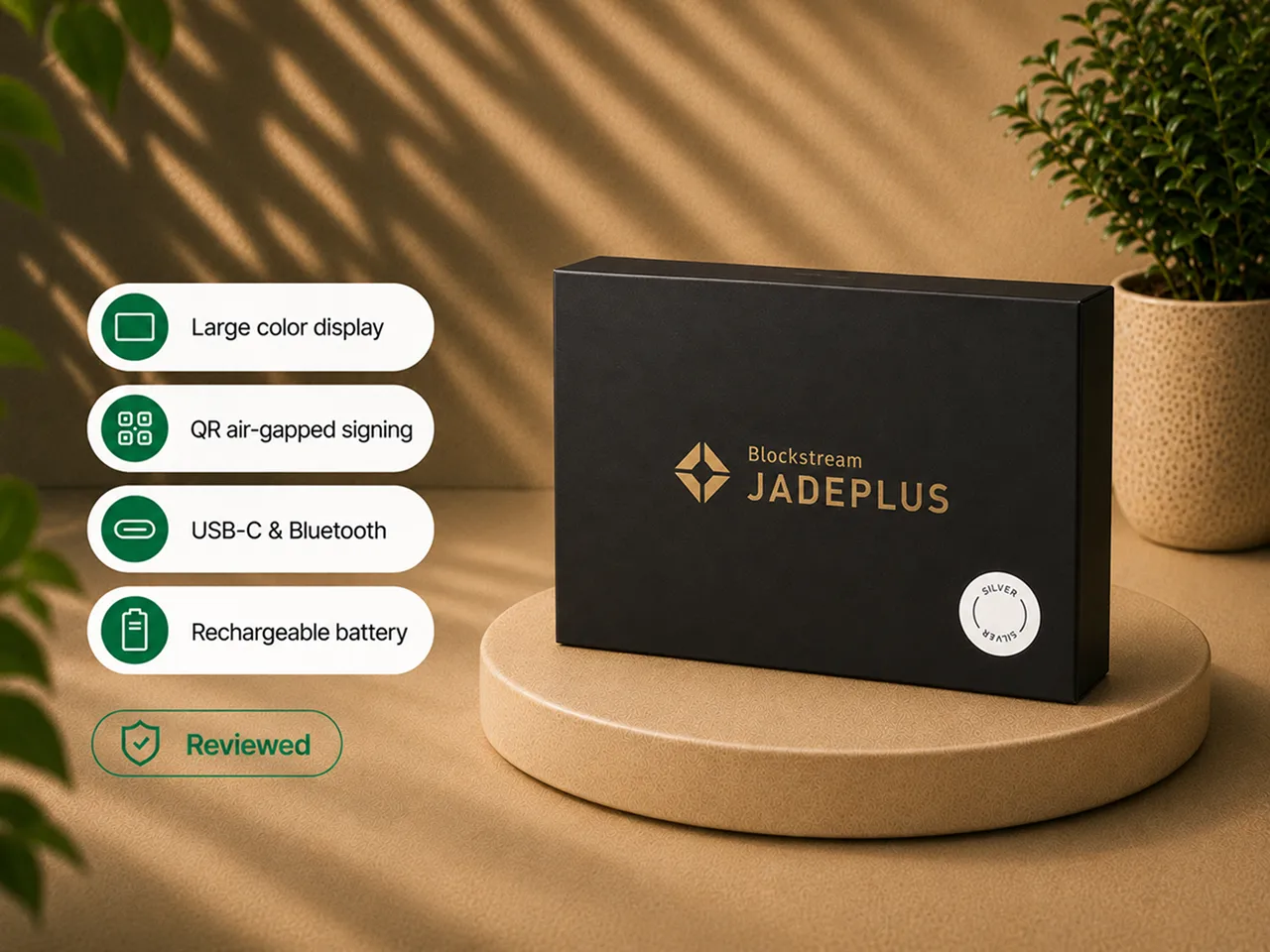
| Screen | 1.9-inch IPS LCD, 320 x 170 - substantially larger and brighter than Blockstream Jade |
| Camera | Improved camera - the strongest QR experience in the lineup |
| Construction | The tested unit was metal; construction can vary by model variant |
| Battery | Built-in rechargeable |
| Connections | USB-C, Bluetooth, and camera-based QR |
| Controls | Two re-engineered top buttons and a front confirm button |
| Air-gapped signing | Yes, through camera-based QR transaction exchange |
| Backup | 12-word or 24-word recovery phrase; optional passphrase; SeedQR is complete recovery material |
| Security architecture | Blind Oracle virtual secure element (same as the rest of the lineup) |
| Genuine Check | Yes |
| Firmware | Open source; verify the current official release and supported update methods before setup |
| Companion software | Blockstream app (formerly Blockstream Green); also Sparrow, Specter, Bitcoin Core, BlueWallet, Nunchuk, Electrum |
| Main advantage | The camera, screen, and controls make QR air-gapped signing genuinely repeatable |
| Main drawback | The upgrade only pays off if you actually use QR or want the premium hardware |
The physical upgrade is immediately noticeable
The first thing I noticed was the body.
The metal Jade Plus unit I tested swaps the light plastic shell of the original for a more substantial case. It has real weight in the hand and a cooler feel, and it stops reading as a budget gadget the moment you pick it up. My unit was one of the metal color variants; Blockstream also sells a plastic version and several metal finishes, so the "premium" feel depends on which one you order.
The box contained what you need to begin: the device, a USB-C cable, documentation, stickers, a lanyard, and a recovery sheet. Nothing exotic, but nothing missing.
The screen is the second thing you notice. It is a 1.9-inch display, substantially larger and brighter than the small Blockstream Jade screen. On a hardware wallet, that is not cosmetic - the screen is the trusted surface where you read the destination address, the amount, and the fee. A larger, brighter panel makes you more likely to actually read those details instead of skimming.
The two re-engineered top buttons plus the front confirm button replace the original's fiddly click wheel. On the old Jade, repeated clicking and scrolling could become a small, steady annoyance. On Jade Plus, navigation feels natural. This sounds minor until you have entered a PIN, confirmed 24 seed words, and reviewed several transactions on the same device - at which point the input method is most of the experience.
Setup is guided and easier to navigate
The setup sequence is familiar:
- power on the device;
- create a new wallet;
- choose the recovery-phrase length (12 or 24 words);
- record the words;
- confirm the requested words;
- choose a connection method;
- set a PIN;
- open or import the wallet in your chosen application.
The larger screen and the better buttons remove the small physical irritations of the original. A hardware wallet should slow you down when a security decision matters. It should not slow you down because the interface is cramped. Jade Plus gets closer to that balance than any other Jade I have used.
The recovery rule does not change with a premium device:
- the words are the backup, and the device can be replaced;
- SeedQR, if you use it, is also the seed;
- a passphrase can protect a separate wallet, but losing it can destroy access;
- test recovery before meaningful funds depend on it.
If any of this is new, start with our setup guide and backup basics.
The improved camera is the reason to buy Jade Plus
This is the decisive upgrade, so I will be blunt about it.
On Blockstream Jade, QR scanning works but is fragile. You hunt for the right distance and angle, and repeated attempts are common. On Jade Plus, the GC0308 camera turns the same workflow into something deliberate and reliable. Scanning a transaction QR, reading a signed QR result, and unlocking over QR all stopped feeling like a fight.
That single change decides whether QR is a feature you occasionally demonstrate or the workflow you actually run.
If you are paying the extra over Blockstream Jade, this is what you are buying: not "a camera," but a QR process you will be willing to repeat every time you spend. Everything else - the premium body, the screen, the buttons - is welcome, but the camera is the justification.
QR PIN unlock is more practical, but still adds steps
Air-gapped operation is not instant, even on Plus.
To unlock in QR mode, the device and the app exchange a challenge and response visually:
- Jade Plus displays a QR challenge;
- the phone scans it;
- the phone displays a response;
- Jade Plus scans the response;
- the wallet unlocks for the session.
The better camera makes this much smoother than on, but the extra step still exists. That is the honest shape of air-gapped use: you trade a few seconds and a couple of scans for a signing session that never opens a USB or radio channel. Read air-gapped hardware wallets if you want the full picture of what that isolation does and does not buy you.
QR transaction signing creates a visible security boundary
The QR send flow is easy to understand once you have done it:
- build the transaction in the application (address, amount, fee);
- the app displays the unsigned transaction as a QR code (often an animated sequence);
- scan it with Jade Plus;
- review the destination, amount, and fee on the Jade Plus screen;
- approve signing;
- Jade Plus displays the signed transaction as a QR code;
- scan it back into the application;
- broadcast.
During that exchange, the signer never needs a direct cable or Bluetooth link to the online device. That is a genuinely cleaner boundary than USB.
It is not automatic safety. You still have to read the destination address, check the amount, check the fee, protect the recovery phrase, use trusted wallet software, and avoid rushing just because the process looks technical. Air-gapping changes the communication path. It does not replace judgment.
USB-C remains the fastest and simplest workflow
Plugging in is still noticeably easier than moving a transaction through QR codes. The application recognizes the device, you enter the PIN, the account loads, and you review and approve on the hardware.
For frequent signing, USB-C may still be the rational choice - which raises the central value question honestly: if you are only ever going to use USB-C, how much are the premium body, larger screen, and better buttons worth to you versus Blockstream Jade?
They may be worth it. Jade Plus is genuinely nicer to read and operate. But the strongest justification for the upgrade appears only when the camera matters. USB-only buyers should compare the value gap carefully, and I say so in the head-to-head comparison.
Bluetooth is available, but not the reason to upgrade
Bluetooth allows mobile signing without a cable, and it is useful. But Jade Plus does not need Bluetooth to justify itself - the camera and screen already do that.
Security-conscious owners may prefer USB or QR. Blockstream also offers a no-radio firmware path for people who want to remove Bluetooth entirely. My position is simple: use Bluetooth when mobile convenience solves a real problem, disable or avoid it when it does not, and do not pay for Jade Plus because Bluetooth exists - pay for it because it improves the complete signing experience.
Offline firmware updates strengthen the QR-first workflow
Blockstream documents a supported offline firmware-update path for Jade Plus. The exact storage medium, accessory support, file-verification steps, and current procedure should be checked against official instructions before setup.
The documented workflow is straightforward: obtain firmware from the official Blockstream source, place it on supported storage media, and transfer it to Jade Plus using the current official procedure. The exact accessory and file-verification steps remain publication-time checks.
For a buyer who cares about air-gapping, this matters because firmware maintenance does not have to use a normal connected signing session. It also adds responsibility: verify the source, use clean storage media, follow the current instructions, and confirm the installed version before funding.
Blockstream app is the easiest starting point
The Blockstream app (formerly Blockstream Green) is the guided default. It makes it straightforward to create an account, view the balance, generate receive addresses, prepare sends, select fees, review history, and use Jade Plus as the signing authority. For beginners, a guided app reduces the number of decisions in the first hour.
It is not the only path, and the app correctly behaves as an interface: Jade Plus holds or loads the signing authority, while the software creates and broadcasts transactions. When receiving, you do not need the device to generate an address, but you should verify the address on the Jade Plus screen. When sending, the signature must come from Jade Plus. Understanding that separation matters more than memorizing menus.
Sparrow makes Jade Plus attractive to advanced users
Sparrow compatibility is one reason Jade Plus can remain useful after a user outgrows the default application. The supplied workflow notes describe the following QR process:
- import or register the wallet in Sparrow via QR;
- build the transaction on the desktop;
- display it for Jade Plus;
- scan and review it on the device;
- sign;
- scan the signed transaction back into Sparrow;
- broadcast.
That workflow can provide more control over transaction construction, UTXO selection, wallet organization, and node connectivity while keeping the signer on a QR exchange. Exact Sparrow compatibility still depends on current firmware and software versions.
Stateless signing is better when the camera is better
A stateless workflow means the device does not retain the seed between sessions:
- start from an empty device state;
- scan SeedQR;
- enter a passphrase if you use one;
- load the wallet for the session;
- sign over QR;
- power down and clear the temporary state.
This can reduce what remains on a powered-off device, and it makes the backup the center of every signing session. The better Jade Plus camera matters here because repeated SeedQR scanning is exactly the task that becomes miserable on weak camera hardware.
Stateless use remains an advanced choice. Remember that SeedQR is the seed, a passphrase is not recoverable from the seed words, backup exposure defeats the whole model, and repeated loading creates more chances to handle sensitive material poorly.
The Blind Oracle tradeoff remains
Jade Plus improves the physical and workflow experience. It does not replace the Jade security philosophy.
Like the rest of the lineup, it uses a Blind Oracle virtual secure-element model rather than a sealed secure-element chip. Encrypted key material on the device is unlocked with a three-part flow - your PIN, a secret held on Jade, and a Blind Oracle secret - where the oracle participates without learning the seed, the addresses, or your actual PIN.
The strengths are familiar: an open-source orientation, no dependence on a proprietary secure-element vendor, the option for advanced users to self-host the oracle, and stateless alternatives. The objections are also familiar: the default unlock includes an off-device component, the model is harder to explain than a dedicated chip, QR PIN unlock can be affected by service availability, and recovery planning stays essential (your recovery phrase always recovers funds even if the oracle is unavailable).
A better camera does not make this concern disappear. Jade Plus is the right device only when you accept both the workflow and the architecture. If you want the sealed-chip model instead, read secure element vs open source and the BitBox02 review.
Security history: what applies to Jade Plus
Jade Plus shares the Jade firmware family and Blind Oracle architecture. That means the family-level firmware disclosure history still matters, even though the hardware and primary workflow differ from Blockstream Jade.
The full disclosure timeline and attack-scope discussion lives in the main Blockstream Jade security section. The practical Plus guidance is straightforward: keep firmware current, use official update sources, treat QR mode as a communication boundary rather than a guarantee of total safety, and do not assume that newer hardware removes backup or software risk.
Liquid support is useful for a specific Bitcoin user
Jade Plus supports the Liquid Network as well as Bitcoin mainnet. For users already operating in that ecosystem, hardware signing for faster transfers and amount privacy can be valuable. For a mainnet-only holder, Liquid is not a reason to upgrade - it is a supported adjacent capability, and the device remains Bitcoin-focused rather than a broad altcoin wallet.
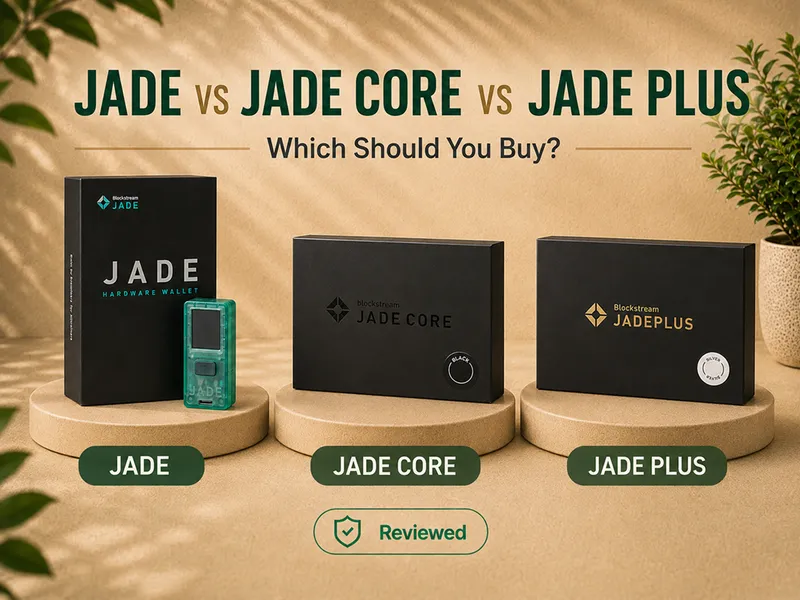
Jade Plus vs Blockstream Jade
Choose Jade Plus for the best QR camera, the larger and brighter screen, better controls, a more premium body, more comfortable air-gapped signing, more practical SeedQR and stateless use, supported offline firmware updates, and a stronger long-term interface.
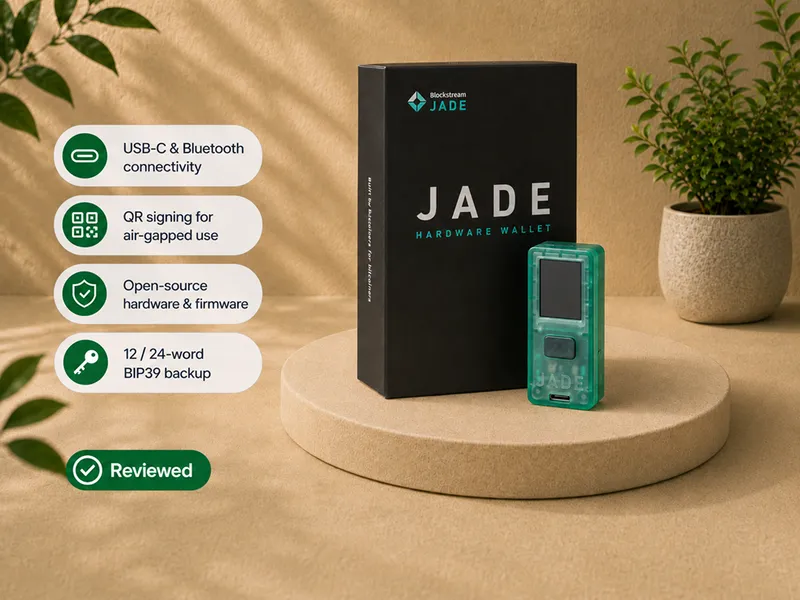
Choose Blockstream Jade for the lowest cost, excellent feature-to-value balance, camera + battery + USB-C + Bluetooth + QR in one budget device, occasional rather than frequent QR use, and a willingness to tolerate the small screen and camera friction.
The signing purpose is similar. The experience is not. Jade Plus is the overall winner; Blockstream Jade is the value winner.
Jade Plus vs Jade Core
Choose Jade Plus for camera-based QR signing, battery-powered use, SeedQR, practical stateless workflows, and the complete large-screen experience.
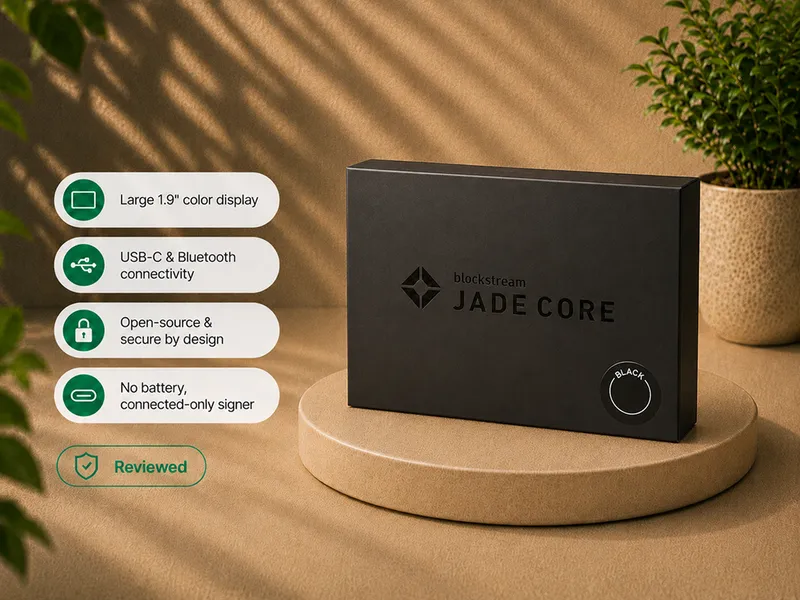
Choose Jade Core only for large-screen USB or Bluetooth signing with no battery and a deliberately narrower, connected-only workflow.
Core gives up the camera and battery for most people. Plus is the more coherent premium product. The full three-way breakdown is in the comparison.
Who should buy Jade Plus
- Bitcoin holders who want QR air-gapped signing as the main workflow.
- Owners frustrated by the small camera and screen on Blockstream Jade.
- Buyers who want a premium-feeling, metal Bitcoin signer.
- Sparrow users and people who want both guided and advanced software paths.
- Owners interested in stateless signing and offline firmware updates.
- Buyers who want a battery, camera, large display, and multiple connection options in one device.
- Experienced holders looking for a flexible signer in a broader custody plan.
Who should skip Jade Plus
- USB-only signers who do not value the larger screen enough to move above Blockstream Jade in the lineup.
- Buyers for whom budget is the main constraint.
- Buyers who reject the Blind Oracle model or specifically want a sealed secure element.
- Buyers who need broad altcoin support.
- Owners not prepared to protect SeedQR and recovery words.
- Buyers who want a zero-learning-curve wallet, or who expect "air-gapped" to eliminate every software and backup risk.
If Jade Plus is not the right fit
| Your priority | Better direction |
|---|---|
| Value-focused camera + battery + QR in one device | Read Blockstream Jade review |
| A large screen for simple connected USB/Bluetooth signing | Read the Jade Core review |
| A sealed secure element in a Bitcoin-only device | Read the BitBox02 Bitcoin-only review |
| A larger touchscreen and guided interaction | Read the Trezor Safe 5 Bitcoin-only review |
| Understanding air-gapped tradeoffs | Read the air-gapped hardware wallets guide |
| Comparing trust architectures | Read the hardware wallet security models guide |
Compare before choosing
Jade Plus is easiest to buy correctly after you have decided that QR air-gapped signing is your real workflow.
Buy and set up Jade Plus without skipping the trust checks
Use the official Blockstream store or a currently authorized source, and read how to check if a hardware wallet is genuine first.
When the device arrives:
- inspect the packaging;
- charge the battery;
- confirm that the device is uninitialized;
- install the official Blockstream app;
- run Genuine Check;
- update firmware through an official path (the app, or offline via storage-card);
- create the recovery phrase privately;
- verify the backup before funding;
- begin with a small transaction;
- choose USB-C, Bluetooth, or QR as your normal workflow.
Do not use recovery words supplied by another person. Do not enter the seed into a website, browser form, support chat, or ordinary phone application. Do not assume an official-looking ad, direct message, or support account is legitimate. Verify the current product details and setup instructions through Blockstream before funding the device.
Final verdict
Jade Plus is the best Jade model. It improves the exact areas that limited the original: screen size and brightness, navigation, camera quality, physical feel, and the repeatability of QR signing. It adds an supported offline firmware-update path that keeps even maintenance off the online machine.
The upgrade is most convincing for a buyer who will actually use QR codes, SeedQR, Sparrow, offline updates, or stateless signing. Those workflows benefit directly from the better hardware. USB-only buyers should think harder - Blockstream Jade performs the same fundamental signing job while remaining the value winner.
And Jade Plus does not rewrite the security story. It uses the same Blind Oracle model as the rest of the family, so it does not satisfy buyers who specifically want a sealed secure element.
Buy Jade Plus when QR air-gapped signing is central, or when you simply want the best overall Jade and will use it enough to feel the difference.
Compare the current Jade models
If Jade Plus still fits after the camera, screen, update, and security tradeoffs above, verify the current model details, color variants, availability, package contents, shipping, and setup guidance directly at Blockstream.
Frequently asked questions
Did you actually test Jade Plus?
Yes. The hands-on scope covered setup, recovery confirmation, USB-C, Bluetooth, QR PIN unlock, QR transaction signing, address verification, and transaction approval on the device.
Is Jade Plus better than Blockstream Jade?
As an overall device, yes - better screen, controls, camera, body, and offline update path. Blockstream Jade remains the better value when you can tolerate its smaller interface and mainly sign over USB-C.
Is Jade Plus air-gapped?
It supports camera-based QR transaction signing without a USB or Bluetooth connection during the signing exchange. Blockstream also documents supported offline firmware-update methods. Secure backups, current firmware, and careful verification still matter.
Does Jade Plus have a battery?
Yes, a built-in rechargeable battery.
Can Jade Plus update firmware without the Blockstream app?
Blockstream documents a supported offline firmware-update method. Verify the current storage-media requirements and official procedure before setup.
Does Jade Plus work with Sparrow?
The supplied workflow notes and Blockstream compatibility documentation support Sparrow use over QR. Exact support depends on current firmware, connection method, operating system, and Sparrow version.
Is QR signing faster than USB?
No. USB is simpler and faster. QR provides a cleaner communication boundary and a more deliberate signing process.
Does Jade Plus use a secure element?
No. Like the rest of the Jade lineup, it uses a Blind Oracle virtual secure-element model rather than a traditional sealed secure-element chip.
What chip does Jade Plus use?
A newer-generation processor than the one used in Blockstream Jade.
Does the Ledger Donjon side-channel research apply to Jade Plus?
That research targeted the original Jade's ESP32 silicon. Jade Plus uses a newer-generation processor, and I have not seen equivalent public side-channel research reproduced against it. I did not test this.
Which firmware should I run?
Use the current official stable firmware from Blockstream. Confirm the active release and the supported offline-update method immediately before setup or publication.
Can Jade Plus be used statelessly?
Yes. SeedQR can load the wallet for a session, after which the device can power down without retaining the seed. The better camera makes repeated SeedQR scanning much more comfortable than on Blockstream Jade.
Does Jade Plus support Liquid?
Yes, alongside Bitcoin mainnet. It is not a broad multi-chain wallet.
Is Jade Plus good for beginners?
It has the best controls and a guided default app, but its strongest workflows still require understanding QR signing, recovery, SeedQR, passphrases, and the Blind Oracle model. It is approachable, not effortless.
Should I buy Jade Plus, Blockstream Jade, or Jade Core?
Choose Jade Plus for the best QR and overall experience, Blockstream Jade for value, and Jade Core for a large-screen connected signer without a camera or battery. The full comparison explains the tradeoffs.
Where to go next
- Blockstream Jade vs Jade Core vs Jade Plus - the full head-to-head.
- Blockstream Jade review - the value pick.
- Blockstream Jade Core review - the large-screen connected signer.
- Best Bitcoin hardware wallets - current winners by use case.